
Cricut Transfer Foil Sheets Sampler 10X15 cm 24 Sheets (Metallic)


Cricut Transfer Foil Sheets Sampler 10X15 cm 24 Sheets (Metallic)
Cricut Transfer Foil Sheets Sampler 10x15cm 24 sheets (Metallic);
Default
Quantity
Customer Reviews
You might also be interested in

Cricut Maker 4 (Direct to Customer)
_1-01KPN485YD1RK9DZ2JGCK5AY14.jpg)
Cricut Rotary Cutter (45Mm)
Cricut Rotary Cutter (45mm); Rotary Cutter, 45 mm A premium carbon-alloy steel rotary blade delivers crisp, controlled cuts on a wide variety of materials. Sliding quick-release blade cover for safety when not in use Symmetrical handle for right- or left-handed users The Cricut Rotary Cutter features a premium carbon-steel rotary blade that delivers crisp, controlled cuts across a wide range of materials. Designed with safety in mind, it includes a sliding quick-release blade cover to protect the blade when not in use. Its symmetrical handle makes it comfortable for both right and left-handed users, ensuring precise control during cutting. This cutter is the perfect companion for all Cricut cutting machines, making fabric cutting quicker, easier and more enjoyable.
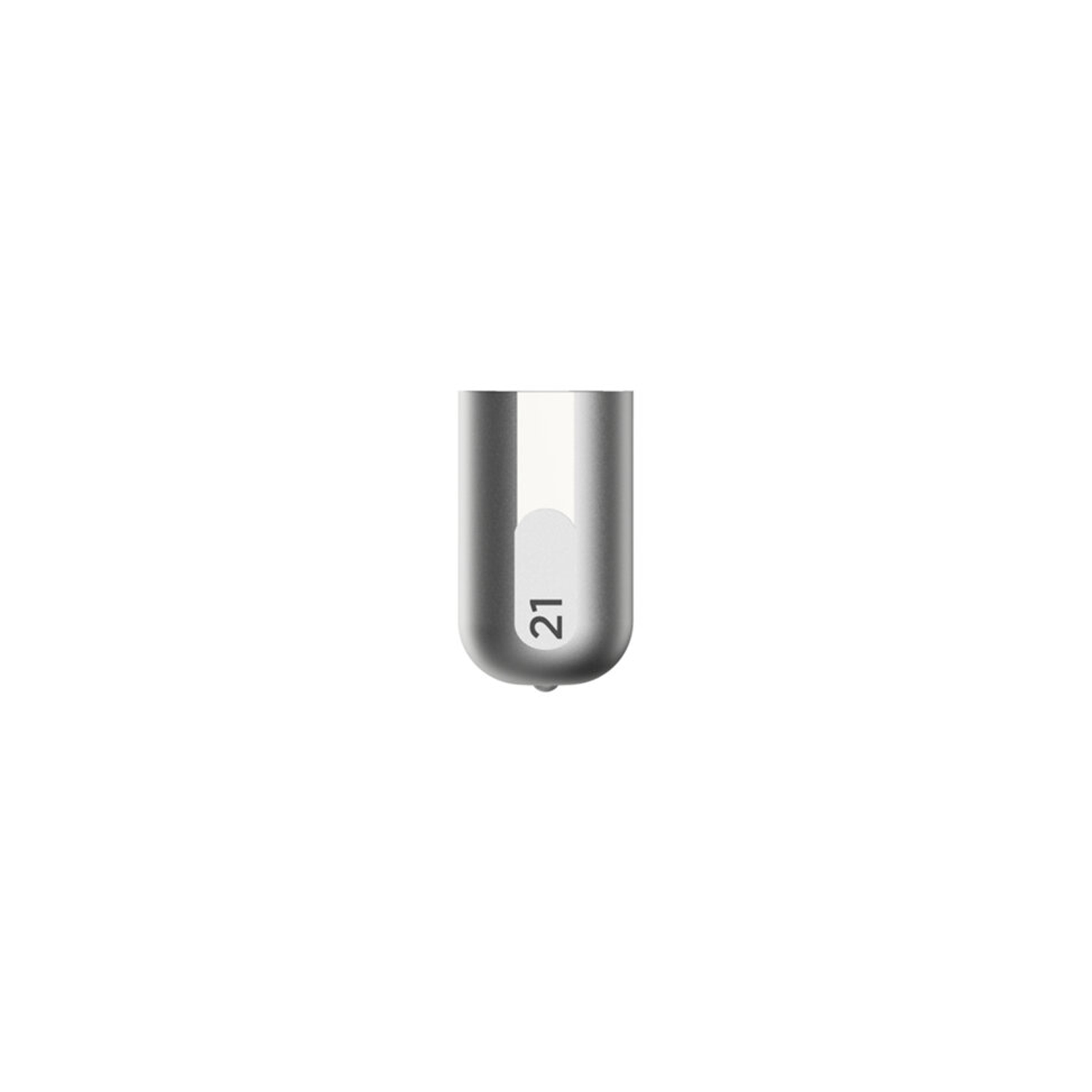
Cricut Maker Debossing Tip
Cricut Maker Debossing Tip only. Customise projects with crisp, detailed debossed designs, no folders necessary; For Cricut Maker machines only. For use with a QuickSwap housing (sold separately) Deboss any design you'd like, including decorative flourishes, patterns, monograms, logos, seals, and more. Creating personalised crafts has become easy with Cricut accessories. To achieve professional polish and elevated elegance on a wide variety of materials, Cricut is here with our Fine Debossing Tip. This debossing tool must be swapped onto the QuickSwap Housing (sold separately) for use in the Cricut Maker machine family. With a wider range of motion, the rolling debossing ball gives you free rein to customise, personalise, and design coated paper, duct tape sheet, shimmer and glitter paper, foil cardstock, and much more, and create decorative flourishes, patterns, monograms, logos, seals, and more with incredible intricacy. The debossing tip can be swapped out for any other QuickSwap tip, including the scoring tip, engraving tip, perforation blade, and wavy blade (sold separately) to inscribe designs. With our impressive range of crafting tools, ultimate smart-cutting machines, and other craft supplies & materials, you can make your personal DIY projects more fun and easier.
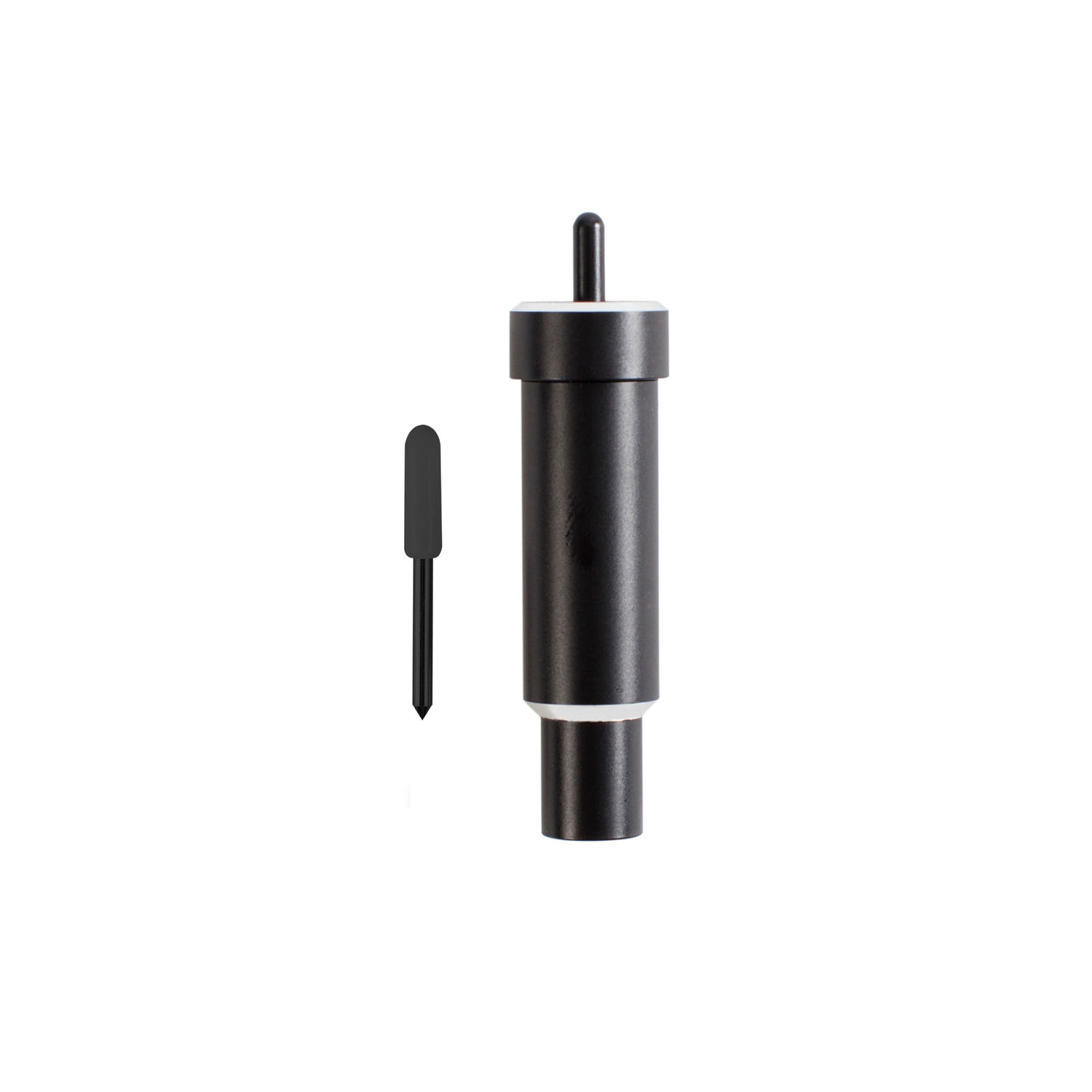
Cricut Explore + Maker Deep-Point Blade With Housing
Cricut Explore + Maker Deep-Point Blade with Housing; The Cricut Deep-Point Blade + Housing makes it easy to cut a wider variety of materials for your projects. The Deep-Point Blade has a steeper blade angle (60? vs 45?) and is made from harder, more durable steel. Use it with your Maker or Explore machine to create personalised wall calendars from chipboard, cut your own stamps with rubber sheets, or make custom magnets. The deep cut blade is recommended for: Magnet, Chipboard, Stamp material, Thick cardstock, Stiffened felt, Foam sheets, Cardboard. Creating personalised crafts has become easy with Cricut accessories, and to enhance the beauty of these crafts, Cricut is here with the Deep Point Blade + Housing: a 1-1/8-inch blade and a 2-1/4-inch deep cut housing to hold it. This cutting tool allows you to cut the desired shapes on a wider variety of materials and apply them to your projects. This blade and Housing are compatible with your Cricut Maker and Explore machines (including Explore, Explore One, Explore Air, and Explore Air 2).
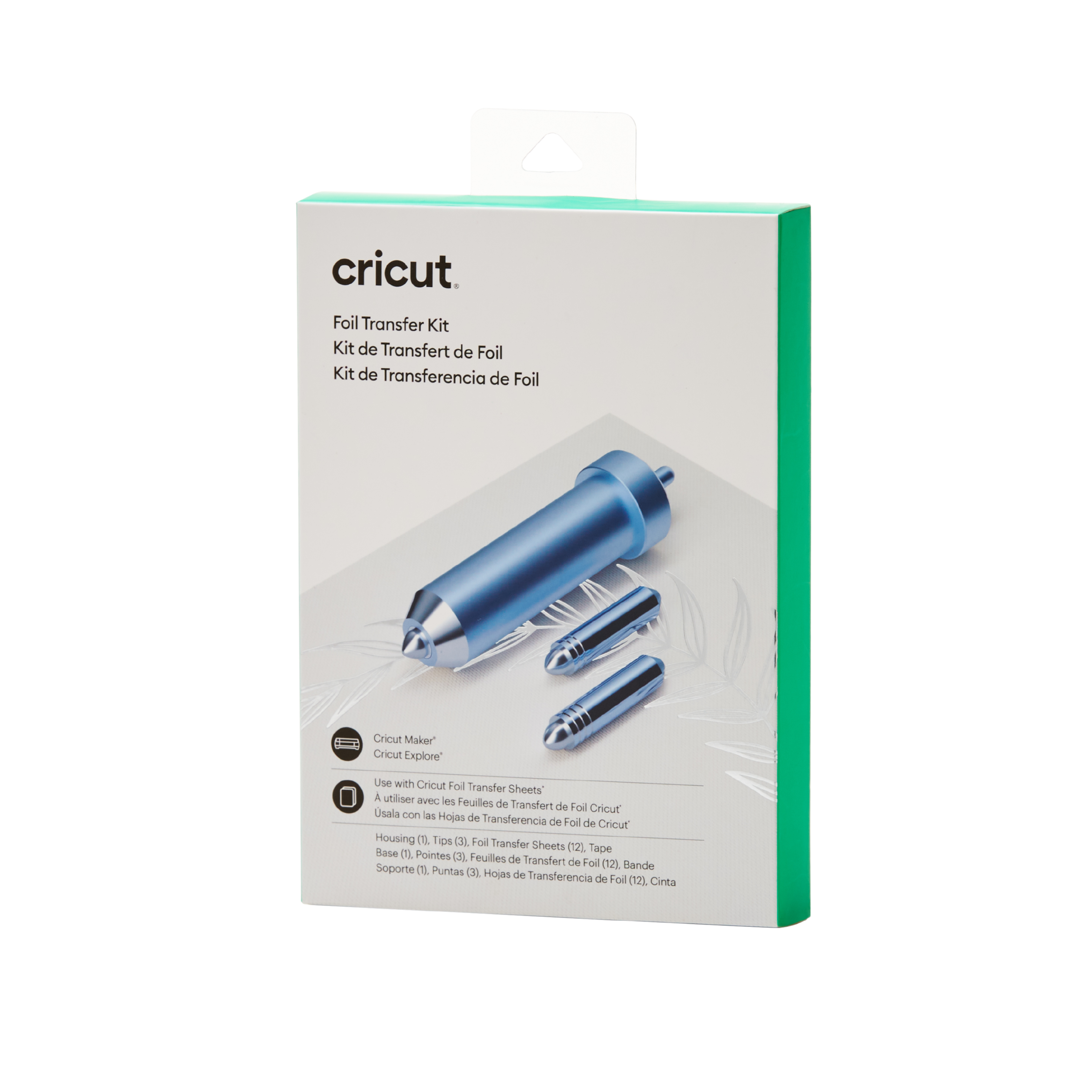
Cricut Foil Transfer Tool And 3 Replacement Tips
Cricut Foil Transfer Tool and 3 replacement tips; 3-in-1 tool for stunning foil effects on a variety of projects Embellish with ease ? no heat required Polished, long-lasting results Requires Cricut Foil Transfer Sheets For Cricut Maker? and Cricut Explore? machines Make your projects shine with stunning foil accents ? think cards, invitations, gift boxes & more. This unique, pressure-activated tool gives you pro-level, polished results that last. It's three tools in 1 with interchangeable fine, medium & bold tips. With 12 Foil Transfer Sheets included, you'll have everything you need to make like a master right out of the box. Just follow the Design Space? prompts, and when your Cricut Maker or Cricut Explore machine is done, peel to reveal the glimmer & gleam. Use with Cricut Foil Transfer Sheets, available in a striking array of colours. For more info, see cricut.com/help/foil-transfer.