
Cricut Foil Transfer Tool And 3 Replacement Tips


Customer Reviews
You might also be interested in
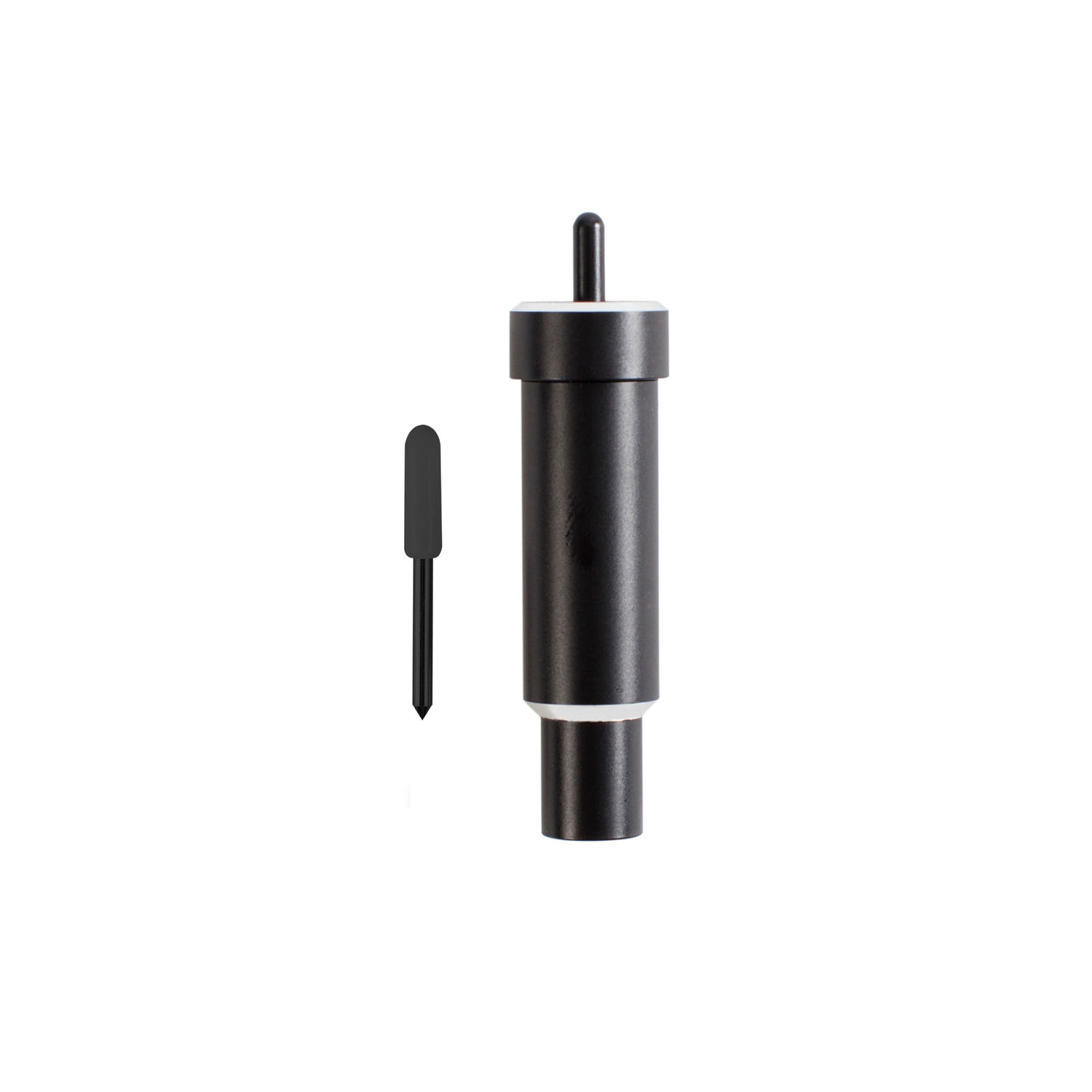
Cricut Explore + Maker Deep-Point Blade With Housing
Cricut Explore + Maker Deep-Point Blade with Housing; The Cricut Deep-Point Blade + Housing makes it easy to cut a wider variety of materials for your projects. The Deep-Point Blade has a steeper blade angle (60? vs 45?) and is made from harder, more durable steel. Use it with your Maker or Explore machine to create personalised wall calendars from chipboard, cut your own stamps with rubber sheets, or make custom magnets. The deep cut blade is recommended for: Magnet, Chipboard, Stamp material, Thick cardstock, Stiffened felt, Foam sheets, Cardboard. Creating personalised crafts has become easy with Cricut accessories, and to enhance the beauty of these crafts, Cricut is here with the Deep Point Blade + Housing: a 1-1/8-inch blade and a 2-1/4-inch deep cut housing to hold it. This cutting tool allows you to cut the desired shapes on a wider variety of materials and apply them to your projects. This blade and Housing are compatible with your Cricut Maker and Explore machines (including Explore, Explore One, Explore Air, and Explore Air 2).
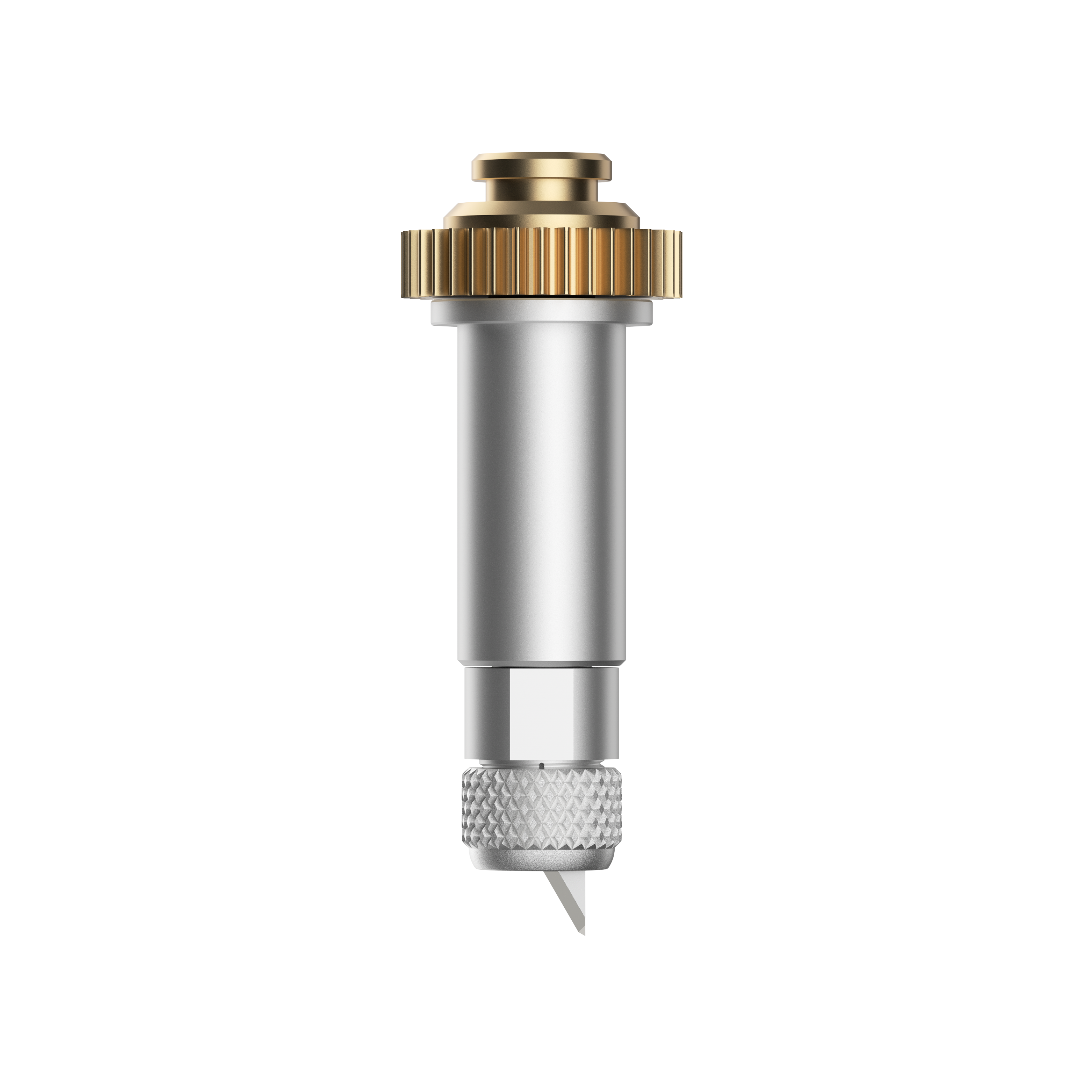
Cricut Maker Knife Blade With Drive Housing
Cut more, make more. Get precise cuts through thicker or denser materials such as balsa wood, leather, craft foam, and more. Add texture and dimension to your projects. 1 premium 12 mm carbide blade and Drive Housing For use with Cricut Maker? only Create puzzles, models, leather goods, toys, and more Not recommended for cutting images or details smaller than ?" Requires a computer with Design Space?; not compatible with mobile apps. Qualified Knife Blade cutting materials include: Balsa wood,?up to 3/32" Basswood, up to 1/16" Tooling leather, up to 7 oz Garment leather, up to 5oz Cricut? Chipboard, 2mm Matboard, 2-ply or 4-ply Craft foam, up to 2mm
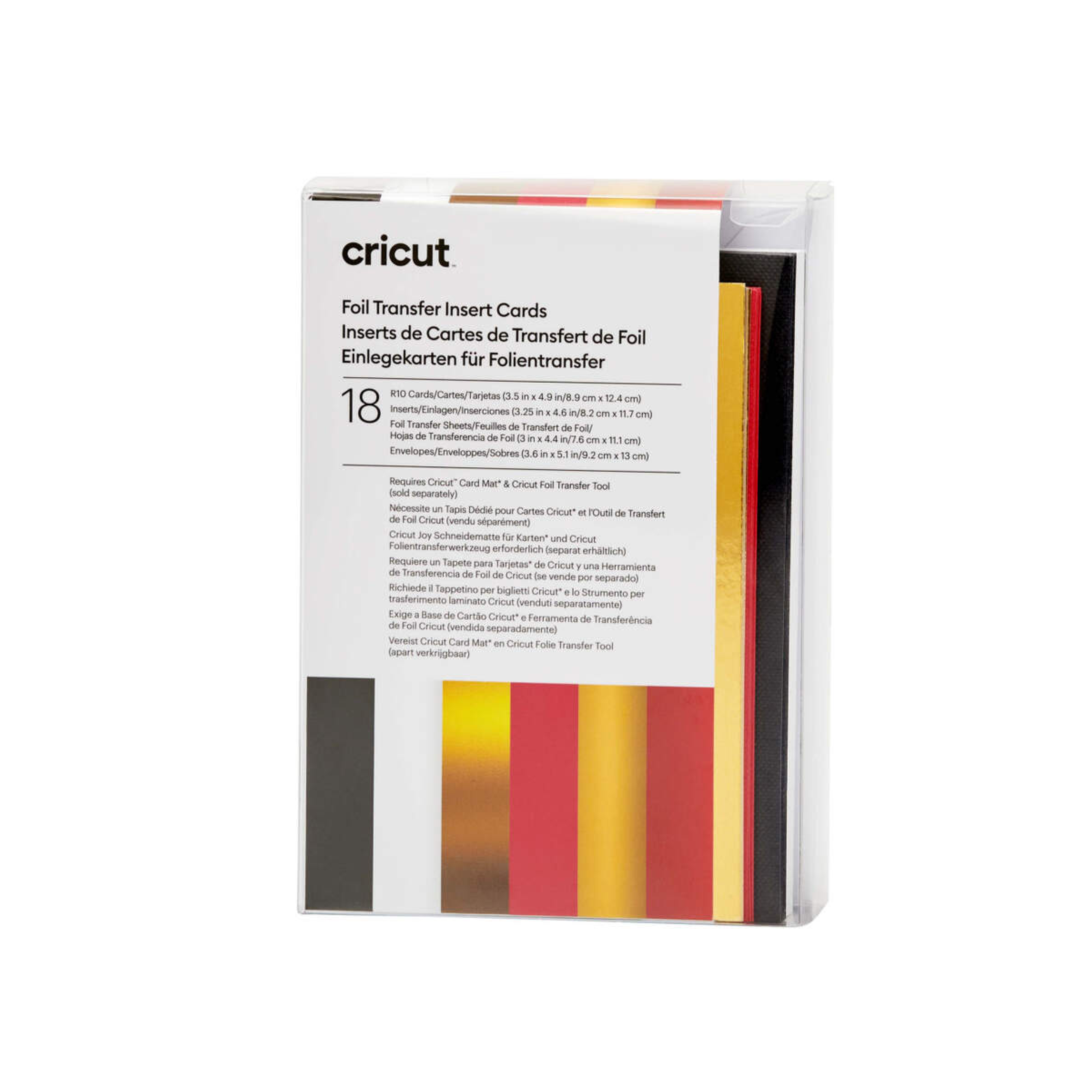
Cricut insert Cards Foil Royal Flush R10 (8 9 cm X 12 4 cm) 18-Pack
Cricut Insert Cards Foil Royal Flush R10 (8;9 cm X 12;4 cm) 18-Pack; 18 R10 cards (9 of each Colour) in Black, White; 18 inserts (9 of each Colour) Gold Metallic, Burnt Red; 18 Foil Transfer Sheets (9 of each Colour) Gold, Red; 18 White envelopes; Dimensions: R10 Cards 3.5 in x 4.9 in (8.9 cm x 12.4 cm), Inserts 3.25 in x 4.6 in (8.2 cm x 11.7 cm); Foil Transfer Sheets 3 in x 4.4 in (7.6 cm x 11.1 cm), Envelopes 3.6 in x 5.1 in (9.2 cm x 13 cm); Easy to cut designs with specialised Cricut Card Mat (sold separately) Easy to cut with Cricut Joy? Card Mat or Cricut Card Mat (sold separately) For Cricut Joy?, Cricut Explore?, and Cricut Maker? machines Add a little shimmer with Foil Transfer Insert Cards for your Cricut? cutting machine. The ingenious glue-free design lets you create two-tone, depth-filled cards without mess or hassle. Use your Cricut Foil Transfer Tool and included Foil Transfer Sheets to make your card designs shine. These cards come in a variety of sizes, include corresponding white envelopes, and are available in a bounty of colourways. Requires Cricut Foil Transfer Tool and compatible Cricut Card Mat (sold separately).
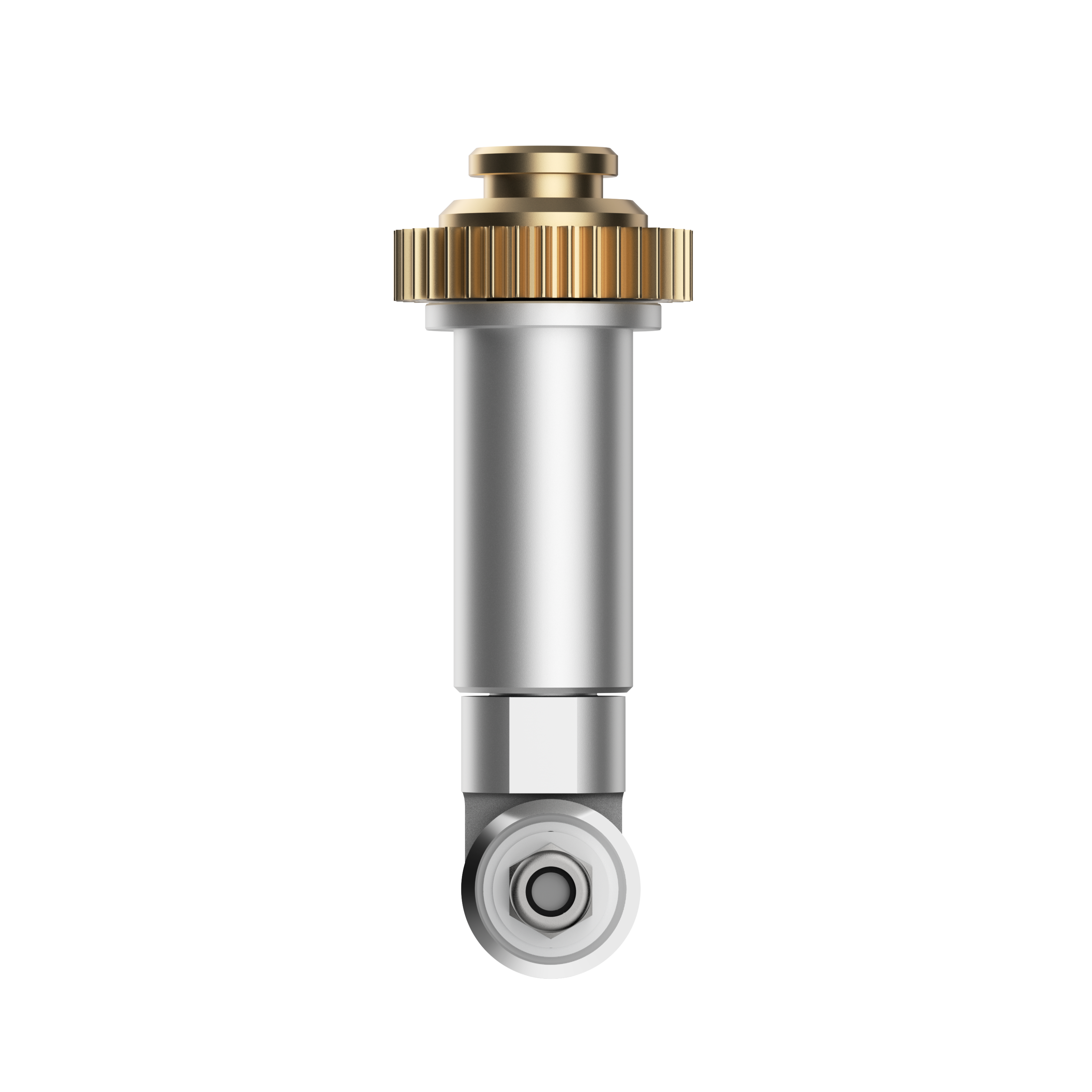
Cricut Rotary Blade Replacement With Housing
Rotary Blade replacement with Housing. Premium stainless steel blade cuts fabric and delicate materials ? no backing required. For Cricut Maker? only Make quilts, purses, bags, accessories, home decor, stuffed animals, and more. Perfect for delicate papers and unbacked fabric, including lace, felt, quilt batting, silk, denim, crepe, tissue paper, mulberry, and more Choose from hundreds of sewing patterns in the Cricut Library Quickly and easily cut beautiful designs for sewing projects. Rotary Blade handles everything from silk, cotton, and denim to canvas and burlap ? no backing necessary. You can also cut highly delicate materials like crepe and tissue paper. Choose from hundreds of sewing patterns in the Cricut Library, then use your Cricut Maker to mark and cut your pieces. Cut pieces to create quilts, bags, accessories, home decor, stuffed animals, and much more. Recommended: FabricGrip Mat and Washable Fabric Pen. Please note that the Rotary Blade is only for use with the Cricut Maker - it cannot be used with the Explore, Explore One, Explore Air, Explore Air 2, or any older machines.