
Cricut Foil Iron-On 30X60 cm (Red)


Customer Reviews
You might also be interested in
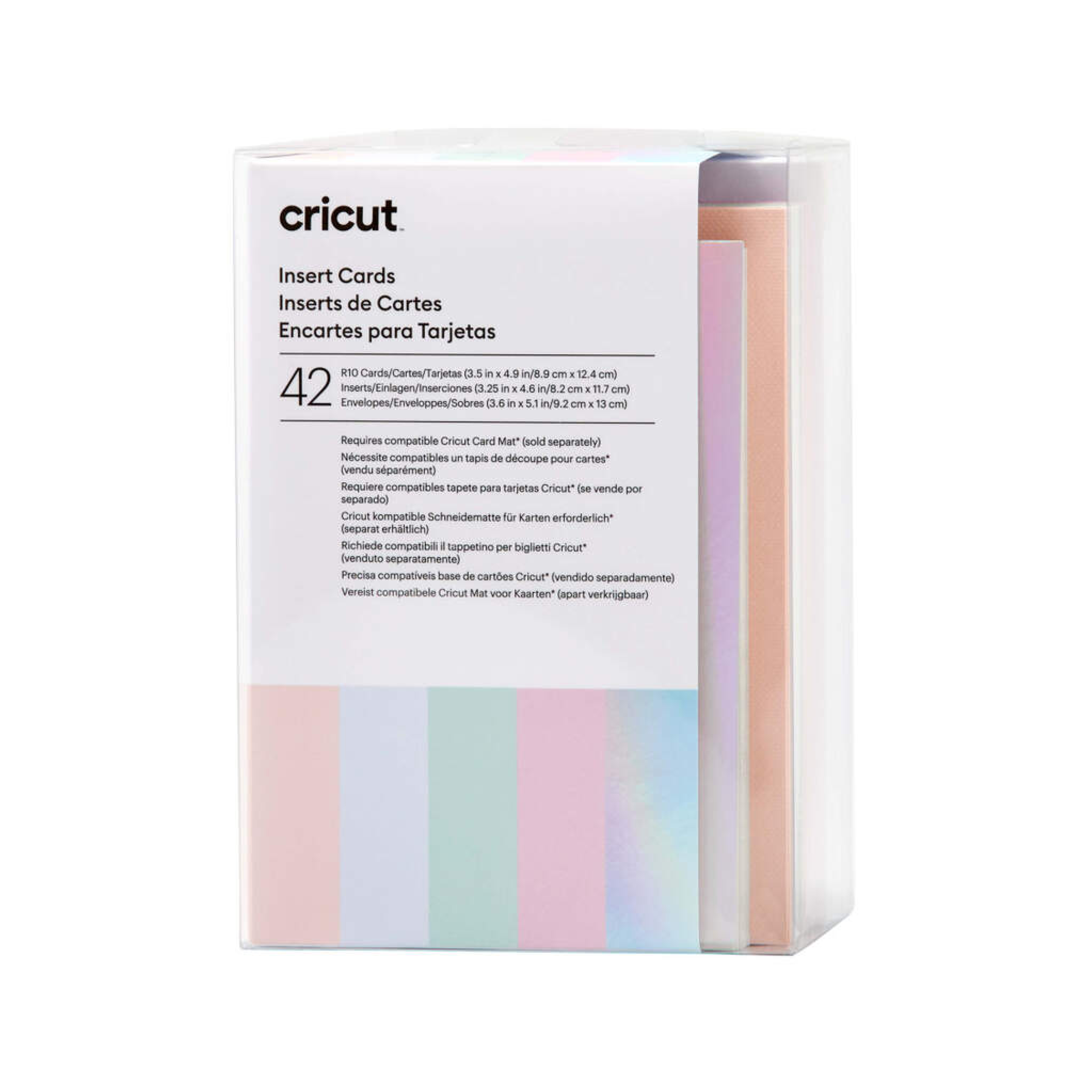
Cricut insert Cards Princess R10 (8 9 cm X 12 4 cm) 42-Pack
Cricut Insert Cards Princess R10 (8;9 cm X 12;4 cm) 42-Pack; 42 R10 Cards in Tulip (11), Powder Blue (11), Whispering Blue (10), Lavender (10); 42 Inserts in Silver Holographic; 42 White Envelopes; Dimensions: R10 Cards 3.5 in x 4.9 in (8.9 cm x 12.4 cm), Inserts 3.25 in x 4.6 in (8.2 cm x 11.7 cm), Envelopes 3.6 in x 5.1 in (9.2 cm x 13 cm); Easy to cut with Cricut Joy? Card Mat or Cricut Card Mat (sold separately) For Cricut Joy?, Cricut Explore?, and Cricut Maker? machines Quick, personalised greeting cards with a big impact are at your fingertips with Insert Cards for your Cricut Joy cutting machine. The ingenious glue-free design lets you create two-tone, depth-filled cards without mess or hassle. Cut intricate, meaningful words and images into the face of the card to let the beautiful insert colour show through. These cards include white envelopes and come in a bounty of colours to please every card recipient on your list! For use with Cricut Joy. Requires Cricut Joy Card Mat (sold separately).
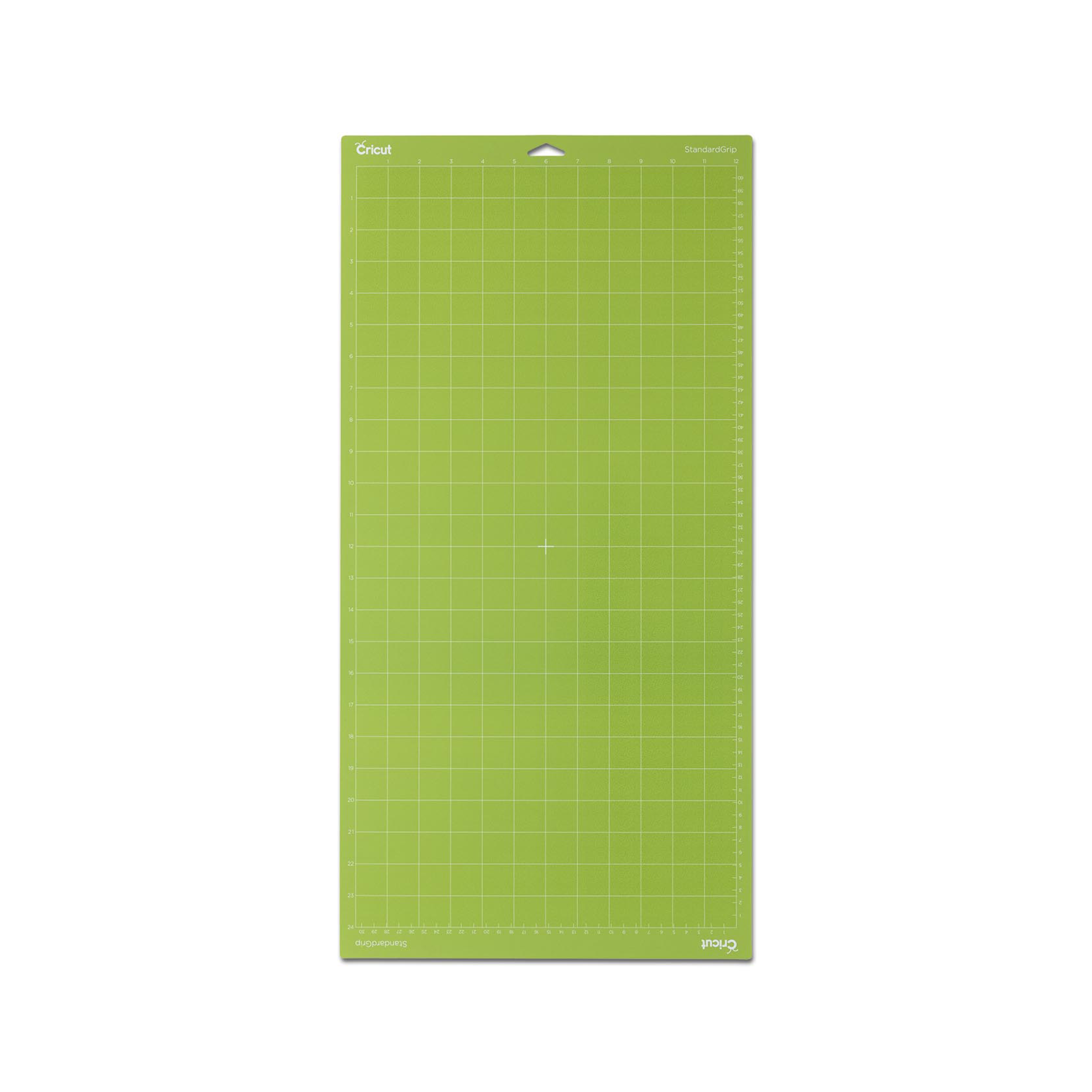
Cricut Explore/Maker Standardgrip Machine Mat (30X60 cm) 1-Pack
Cricut Joy LightGrip Machine Mat 1-pack (11,5x30 cm); Secure lightweight materials, including standard paper, light cardstock, and vellum For Cricut Joy? only Make fun and functional projects with everyday materials you have at home Made with long-lasting, water-based adhesive For a complete list of compatible materials and instructions, visit help.cricut.com/cricutjoy When you need a softer release for lightweight materials, this reusable mat's your go-to. Its long-lasting adhesive secures everyday paper items you may already have at home, like copy paper and light cardstock, for cutting and writing with your Cricut Joy? machine. So you can make all sorts of things, from chore charts and colouring pages to Infusible Ink? Pen & Marker projects. For use with Cricut Joy machines only. For a complete list of compatible materials and instructions, visit help.cricut.com/cricutjoy. Tips: Keep the clear film cover on the mat when storing to keep the mat dust-free. Use the scraper to remove excess pieces, and the spatula to carefully remove cut images. To ensure optimal performance, use the recommended material types for the mats.
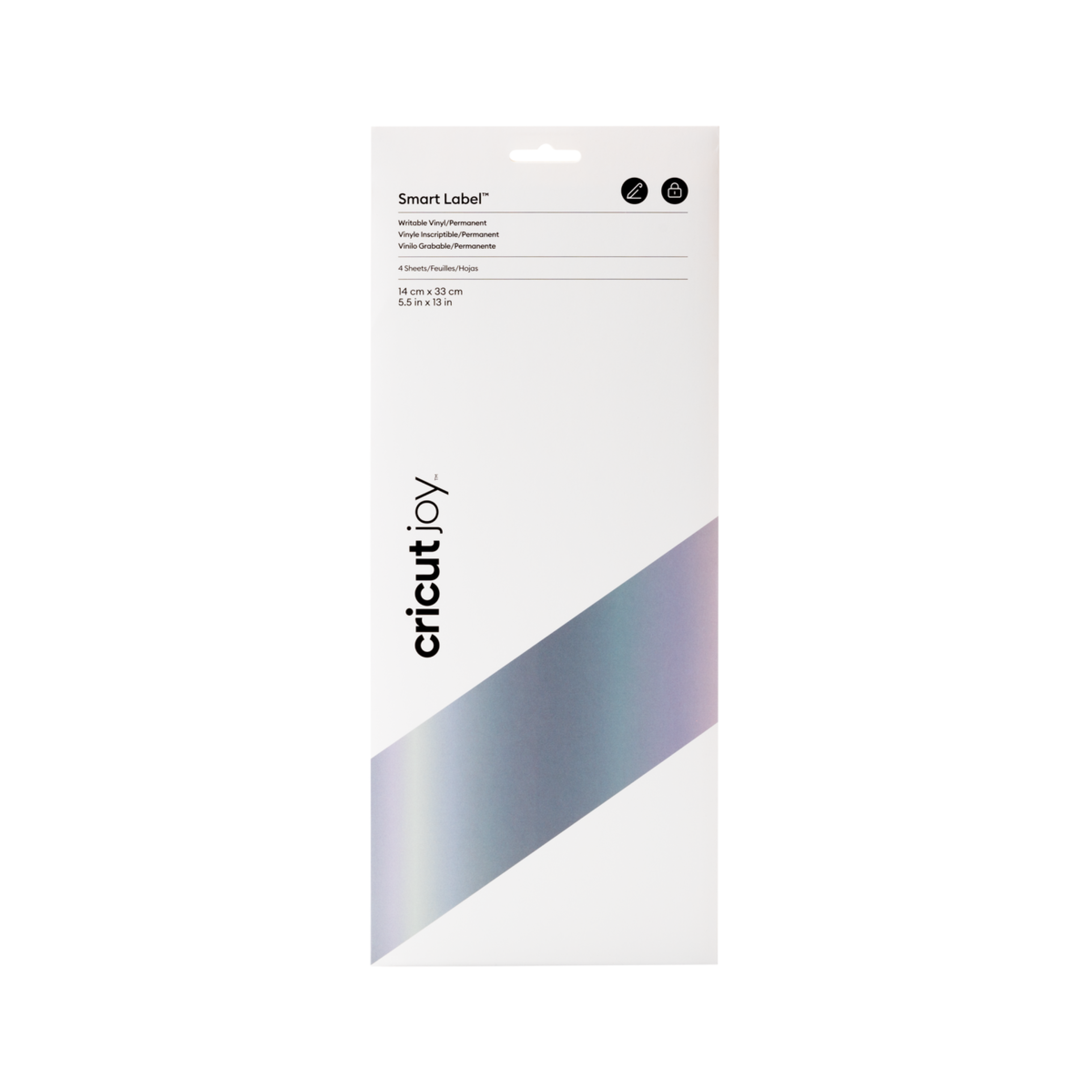
Cricut Joy Permanent Smart Vinyl Write Silver
Cricut Joy Permanent Smart Vinyl Write Silver; 4 sheets 5.5 in x 13 in (14 cm x 33 cm); Works without a cutting mat, just load & go! Customise with Cricut Joy Pens & Markers*; Do not use with Transfer Tape; For the Cricut Joy cutting machine. Cricut Joy Permanent Smart Vinyl is the perfect solution for organising spaces like kitchens, bathrooms or playrooms with ease. Featuring Permanent Smart Label Writable Vinyl, this product lets you write, cut, peel, and stick labels effortlessly. It works directly with your Cricut Joy cutting machine, eliminating the need for a mat so you can start right away. *Cricut Joy Gel Pens are not recommended
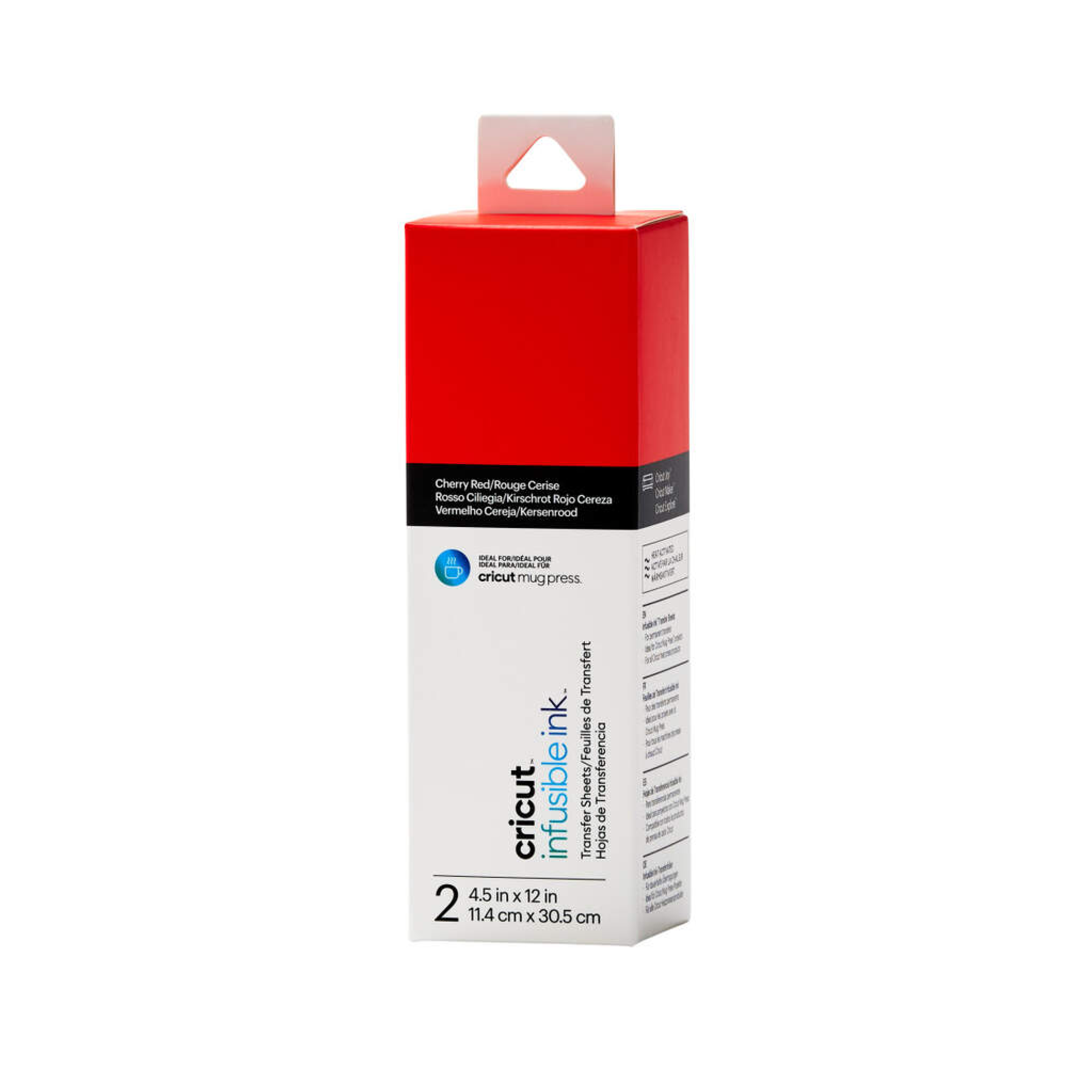
Cricut Joy infusible ink Transfer Sheets 2-Pack (Cherry Red)
Cricut Joy Infusible Ink Transfer Sheets 2-pack (Cherry Red); 2 Infusible Ink? Transfer Sheets ideal for Cricut Mug Press? designs 4.5? x 12? (11.4 cm x 30.5 cm) Produces vibrant, pro-quality transfers that last a lifetime Requires compatible Infusible Ink blank (sold separately) and Cricut Mug Press?, Cricut EasyPress?, or heat press Transferred inks never flake, peel, crack, or wrinkle Carefully follow instructions at help.cricut.com If you have a Cricut Mug Press?, these sheets were made for you. Personalise mugs and more with pro-quality custom designs that will truly last a lifetime. Use these ready-to-cut sheets in fun patterns and colours with your Cricut cutting machine to infuse any compatible Infusible Ink blank with your custom art ? a name, a logo, an inside joke, or a favourite quote! Available in an array of colours and patterns, these pre-inked sheets bloom into rich, vibrant hues once transferred using high temperatures. The results are bright, beautiful, seamlessly smooth transfers that never flake, peel, wrinkle, or crack! For use with Cricut cutting machines. What is the Infusible Ink process? Unlike an iron-on transfer or vinyl application, where artwork is attached to a compatible material with adhesive, an Infusible Ink heat transfer becomes one with the material itself. How it works: Choose your materials. Select Infusible Ink Transfer Sheets or Infusible Ink Pens & Markers and a compatible Cricut blank. Make your design. Cut Infusible Ink Transfer Sheets or draw with Infusible Ink Pens & Markers using laser copy paper. Apply heat. Infuse your design into your Cricut blank with Cricut Mug Press, Cricut EasyPress, or a heat press. The Infusible Ink system includes Infusible Ink Transfer Sheets in a variety of solid colours and patterns, as well as Infusible Ink Pens & Markers. Plus, a growing list of compatible Infusible Ink blanks, including T-shirts, tote bags, and coasters. Note: Sheets are light sensitive and will be damaged by contact with water. Store in a dark, dry place.?
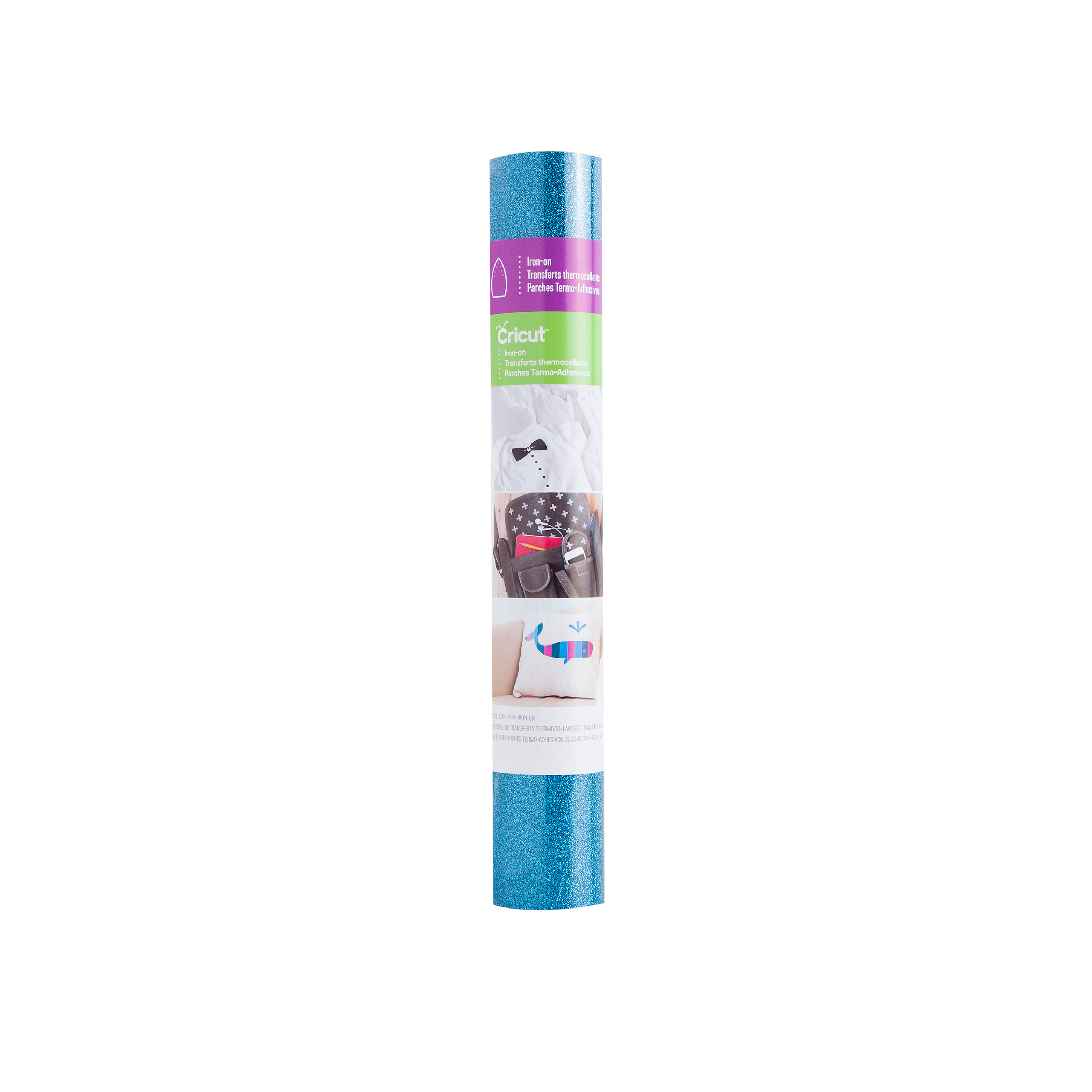
Cricut Glitter Iron-On 30X48 cm (Aqua)
Cricut Glitter Iron-On 30x48 cm (Aqua); Outlasts 30+ washes Cuts beautifully and weeds easily Easily adheres to most materials to reveal a glittery design CPSIA Compliant, lead- & phthalate-free Optimised for Cricut? cutting machines & heat presses Just add heat! With Cricut? Glitter Iron-On, you can personalise T-shirts, jackets, backpacks, and so much more ? in shimmering style. ?All Cricut materials are optimised for Cricut cutting machines with automatic cut settings in Design Space? to make sure you have the best cutting experience.
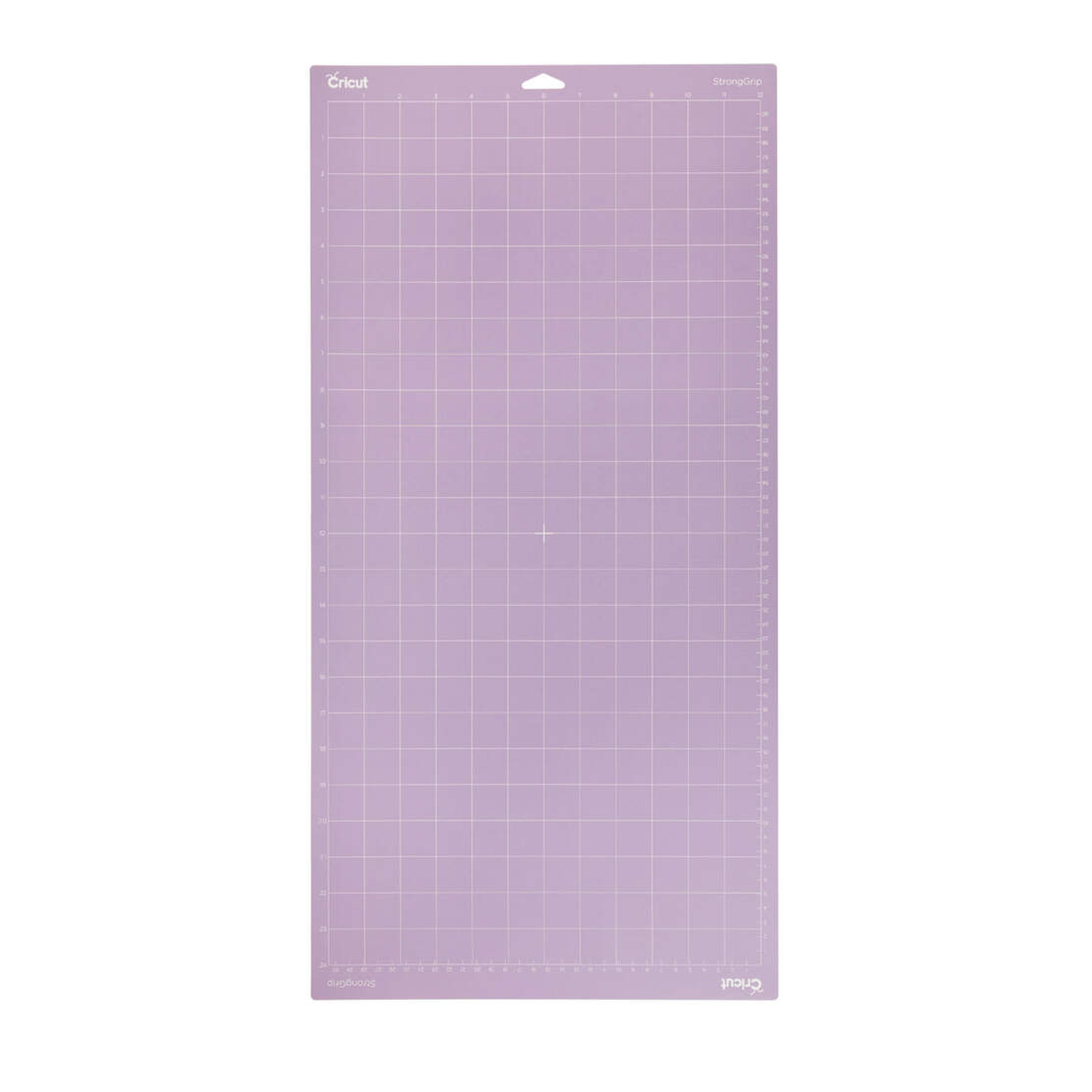
Cricut Explore/Maker Stronggrip Machine Mat (30X60 cm) 1-Pack
Cricut Explore/Maker StrongGrip Machine Mat (30x60 cm) 1-pack; Use with Speciality cardstock, matboard, and backed fabric Formulated for the best possible adhesion and longest life For Cricut Maker? and Cricut Explore? cutting machines Perfect for materials like Speciality cardstock, chipboard, mat board, and backed fabric, the StrongGrip Mat was carefully engineered for heavyweight materials. s the interface between your material and your Cricut machine, each reusable mat holds your material in place as it's cut and makes it easy to remove finished pieces cleanly once a cut is complete. Each mat is formulated to ensure the best possible adhesion and the longest possible life. For use with Cricut Maker? and Cricut Explore? cutting machines. Tips: Keep the clear film cover on the mat when storing to keep the mat dust-free. Use the scraper to remove excess pieces, and the spatula to carefully remove cut images. To ensure optimal performance, use the recommended material types for the mats.