
Cricut Glitter Iron-On 30X48 cm (Aqua)


Customer Reviews
You might also be interested in
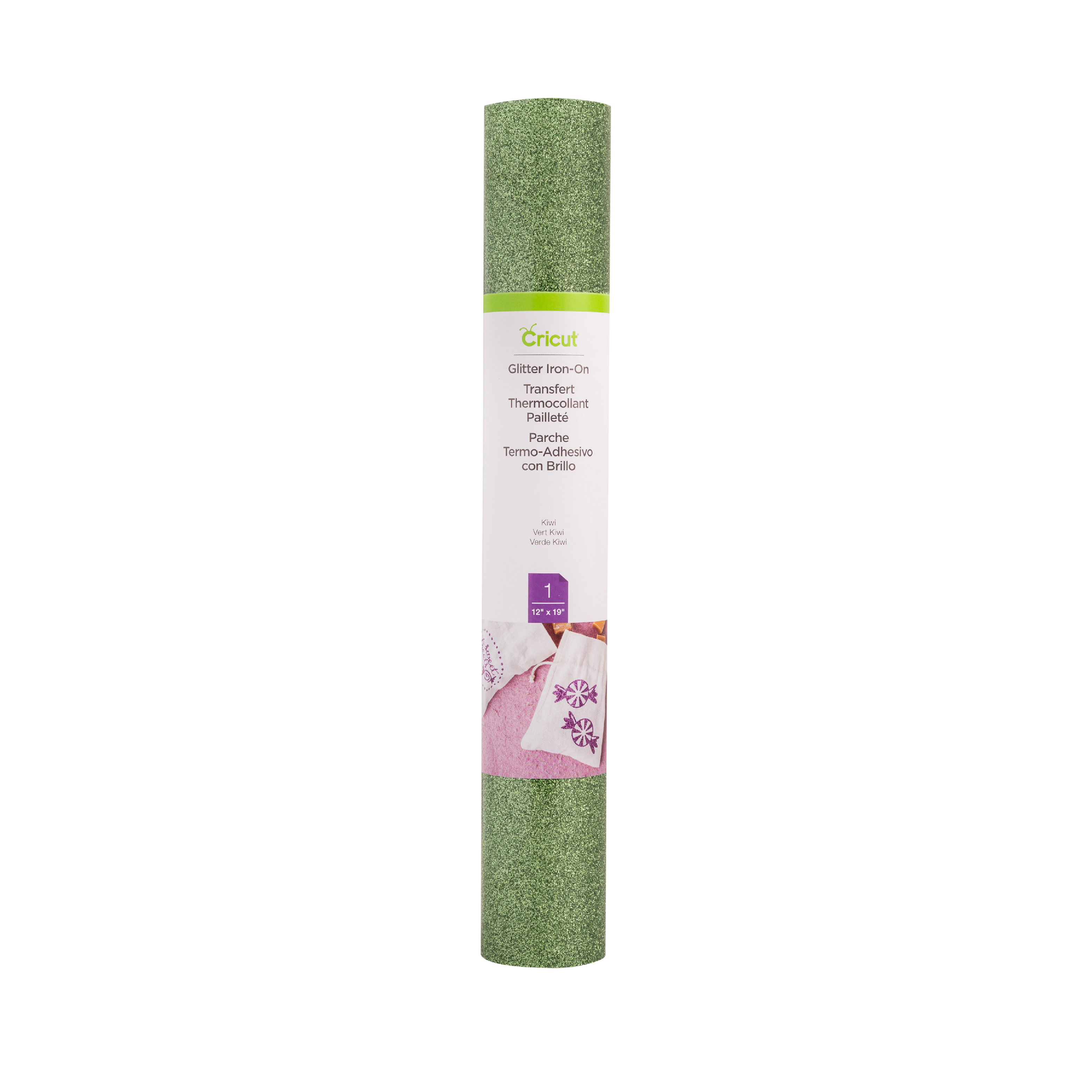
Cricut Glitter Iron-On 30X48 cm (Kiwi)
Cricut Glitter Iron-On 30x48 cm (Kiwi); Outlasts 30+ washes Cuts beautifully and weeds easily Easily adheres to most materials to reveal a glittery design CPSIA Compliant, lead- & phthalate-free Optimised for Cricut? cutting machines & heat presses Just add heat! With Cricut? Glitter Iron-On, you can personalise T-shirts, jackets, backpacks, and so much more ? in shimmering style. ?All Cricut materials are optimised for Cricut cutting machines with automatic cut settings in Design Space? to make sure you have the best cutting experience.
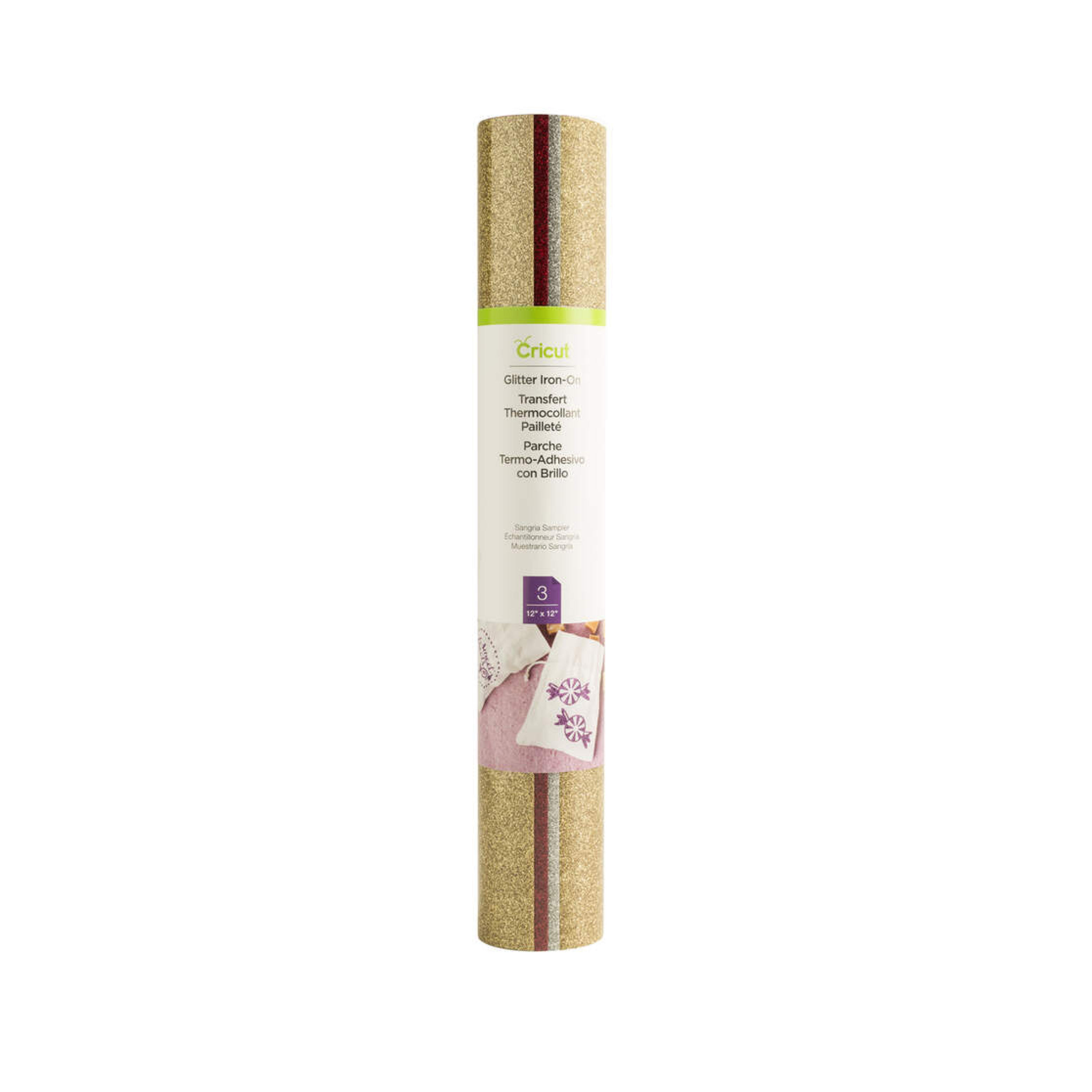
Cricut Glitter Iron-On Sampler Sangria 12X12(3)
Cricut Glitter Iron On Sampler Sangria 12X12(3); 3 sheets 12" x 12" (30.5 cm x 30.5 cm) in Gold, Silver, Red; Outlasts 30+ washes Cuts beautifully and weeds easily Easily adheres to most materials to reveal a glittery design CPSIA Compliant, lead- & phthalate-free Optimised for Cricut? cutting machines & heat presses Just add heat! With Cricut? Glitter Iron-On, you can personalise T-shirts, jackets, backpacks, and so much more ? in shimmering style. ?All Cricut materials are optimised for Cricut cutting machines with automatic cut settings in Design Space? to make sure you have the best cutting experience.
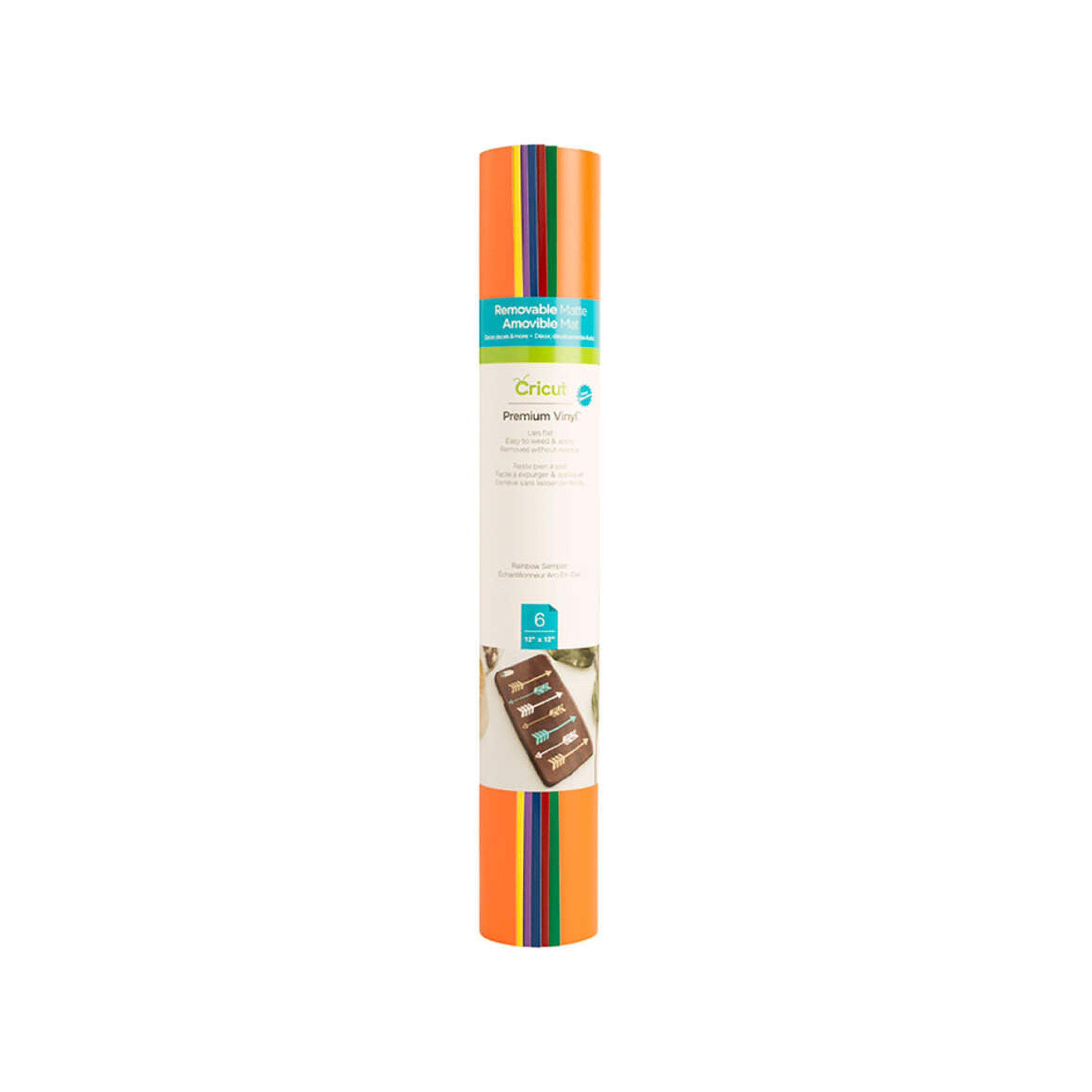
Cricut Premium Vinyl Removable Rainbow Sampler 12X12 (6 Sheets)
Cricut Premium Vinyl Removable Rainbow Sampler 12X12 (6 Sheets); 6 sheets 12 x 12 (30.5 cm x 30.5 cm) in Orange, Bright Yellow, Light Purple, Vivid Blue, Cardinal Red, Green; Removes without residue for up to 2 years; Works with a cutting mat; Durable, yet removes without residue; Recommended for indoor use; For Cricut Explore 3 & Cricut Maker 3 Creating commitment-free personalised projects, big or small, is a snap with removable Cricut Smart Vinyl. This nifty material lets you make more in less time, no cutting mat needed. Just load and go. It's easy to create a quick, removable decal for your laptop, lettering for a school project, or make a bold statement on your living room wall. Apply to almost any surface. This vinyl removes without residue for ultimate flexibility. You've got this, from small accents around your home to big projects full of pizzazz. For use with Cricut Explore 3, Cricut Maker 3, and Cricut Venture.
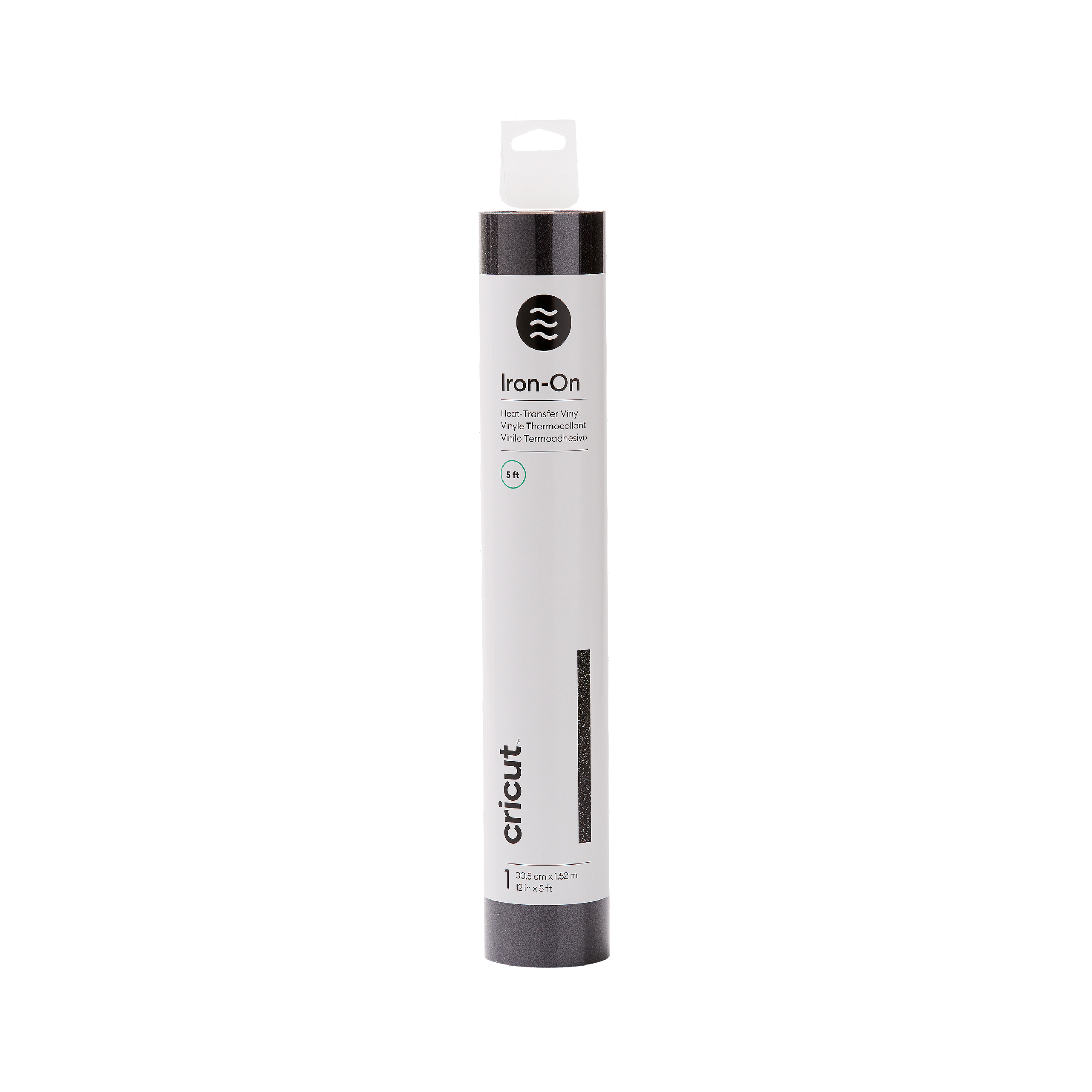
Cricut Glitter Iron-On Black 1.5
Cricut Glitter Iron On Black 1.5; 1 roll 12 in x 5 ft (30.5 cm x 1.52 m); Outlasts 30+ washes Cuts beautifully and weeds easily Easily adheres to most materials to reveal a glittery design CPSIA Compliant, lead- & phthalate-free Optimised for Cricut? cutting machines & heat presses Just add heat! With Cricut? Glitter Iron-On, you can personalise T-shirts, jackets, backpacks, and so much more ? in shimmering style. ?All Cricut materials are optimised for Cricut cutting machines with automatic cut settings in Design Space? to make sure you have the best cutting experience.
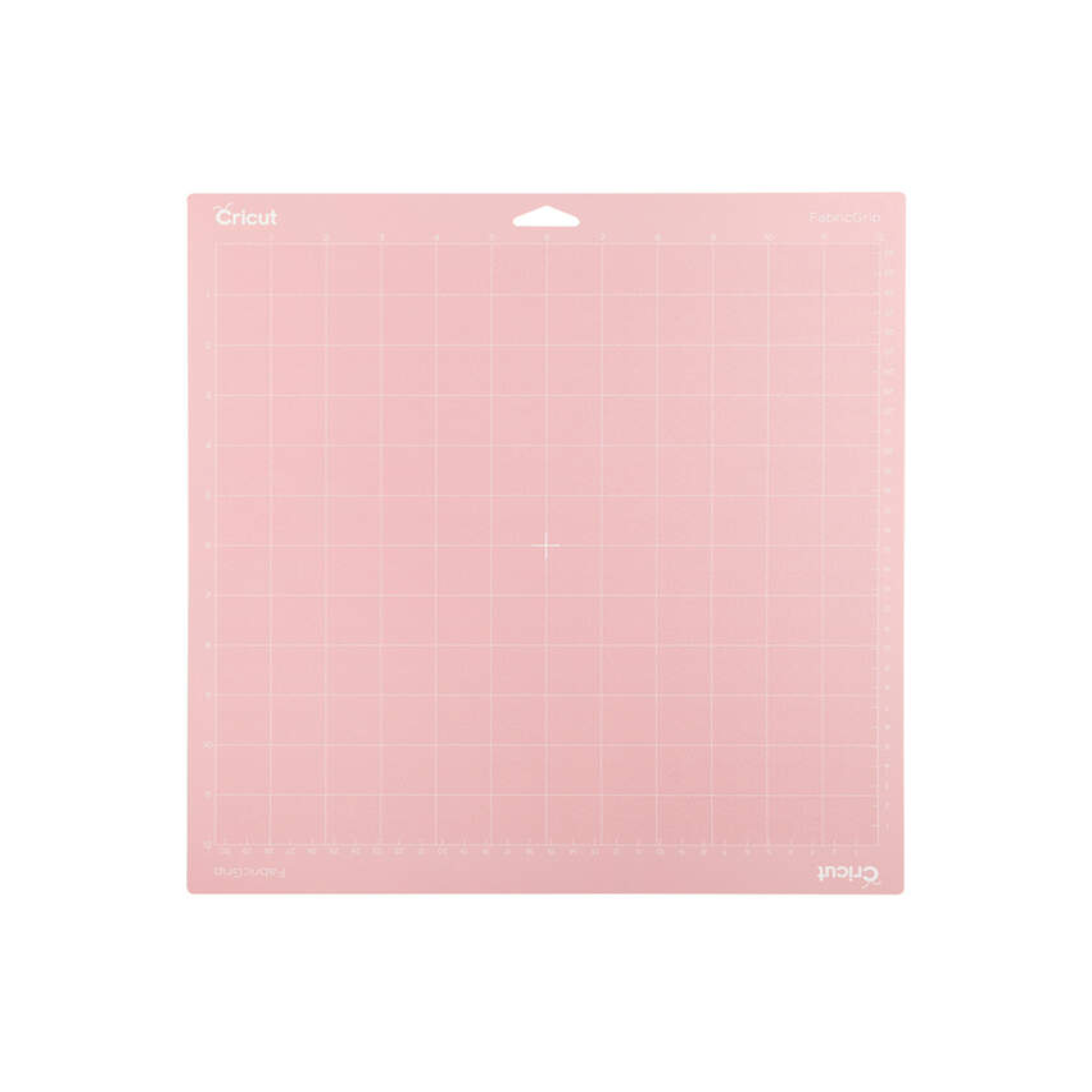
Cricut Explore + Maker Fabricgrip Machine Mat (30X30 cm) 1-Pack
Cricut Explore + Maker FabricGrip Machine Mat (30x30 cm) 1-pack; 1 reusable machine mat 30.5 cm x 30.5 cm (12" x 12") Use to cut most fabrics with the Rotary Blade or the Bonded-Fabric Blade Formulated for the best possible adhesion and longest life High-quality, high-density material withstands increased pressure. Use with most fabrics, including cotton, polyester, denim, felt, and canvas. The FabricGrip Mat combines increased strength and density with a light adhesive to create beautifully cut fabrics with the Rotary Blade or Bonded-Fabric Blade. Designed to act as the interface between your material and your Cricut machine, each reusable mat holds your material in place during cutting while still making it easy to remove finished pieces once a cut is complete. Each mat is formulated to ensure the best possible adhesion and the longest possible life. For use with Cricut Maker? and Cricut Explore? cutting machines. Tips: For best results, use the Cricut Applicator & Remover Set for quick, easy material application and to remove tiny cuts and threads. Store your mat with the included clear cover to keep it dust-free and extend its lifespan.