
Cricut Truecontrol Knife Kit (Mint) With 5X Spare Blades


Cricut TrueControl Knife Kit (Mint) with 5x spare blades;
Default
Quantity
Customer Reviews
You might also be interested in
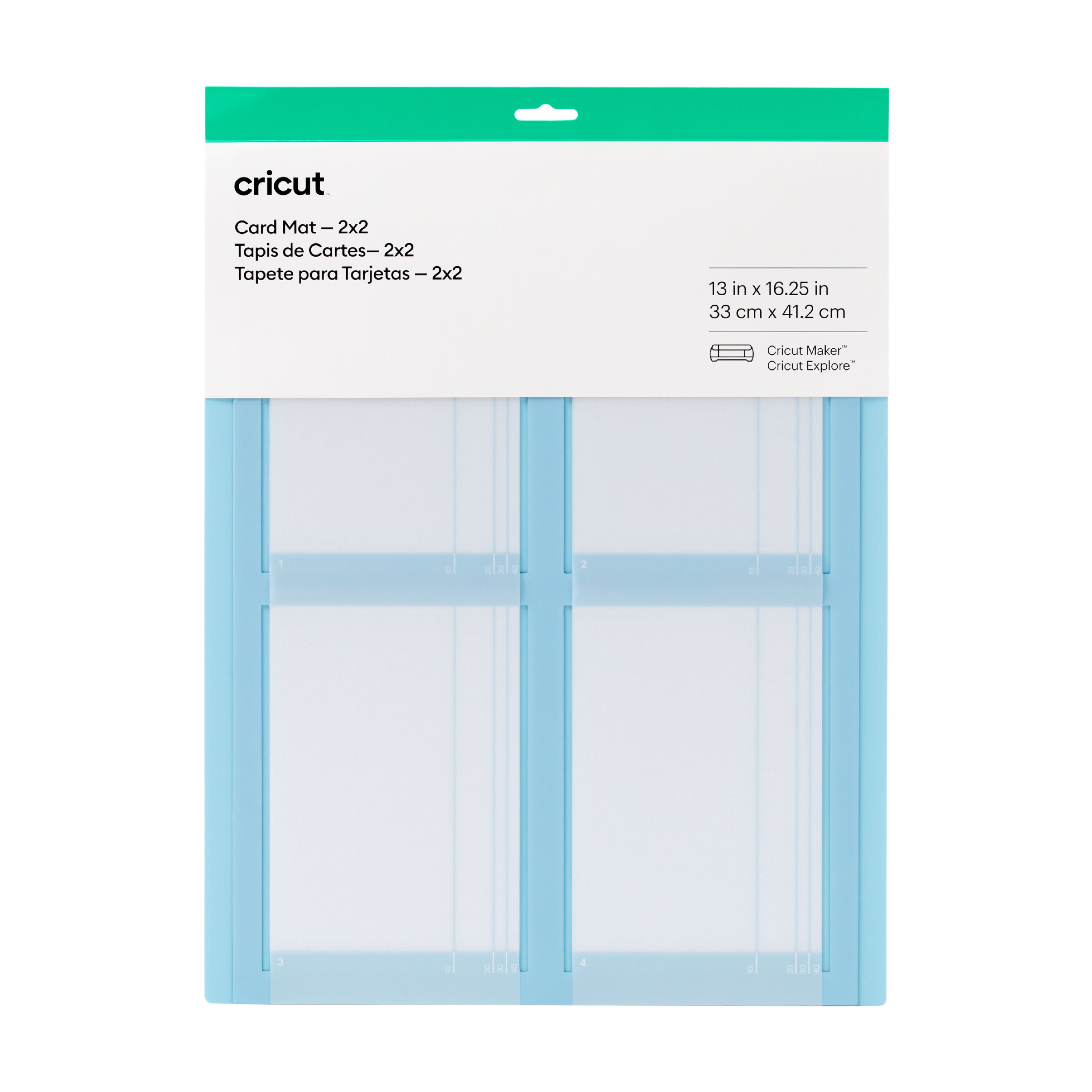
Cricut 2X2 Card Mat
Cricut 2x2 Card Mat; 1 reusable machine mat 13 in x 16.25 in (33 cm x 41 cm); Cut up to 4 custom cards at once Designed to work perfectly with all Cricut cards (sold separately) Personalise last-minute birthday cards, thank-you notes & eleventh-hour invites For Cricut Explore? or Cricut Maker? machines Multiply your card-making with the reusable Cricut? Card Mat ? 2x2. It holds up to 4 cards and works perfectly with all Cricut cards, including Insert Cards and Cutaway Cards (sold separately). For Birthdays, Thank Yous, Congrats, or Just Because ? or all four at once. Make every card count. For all Cricut Explore? and Cricut Maker? machines. For a complete list of compatible materials and instructions, visit cricut.com/insertcards.
%203-Pack_thumbnail.png?alt=media&token=98b28883-b6c5-43d1-85c8-f0c6237b2c03)
Cricut Explore/Maker Lightgrip-Standard-Stronggrip Machine Mat (30X30 cm) 3-Pack
Cricut Explore/Maker LightGrip-Standard-StrongGrip Machine Mat (30x30 cm) 3-pack; 3 reusable machine mats 12" x 12"" (30.5 cm x 30.5 cm)
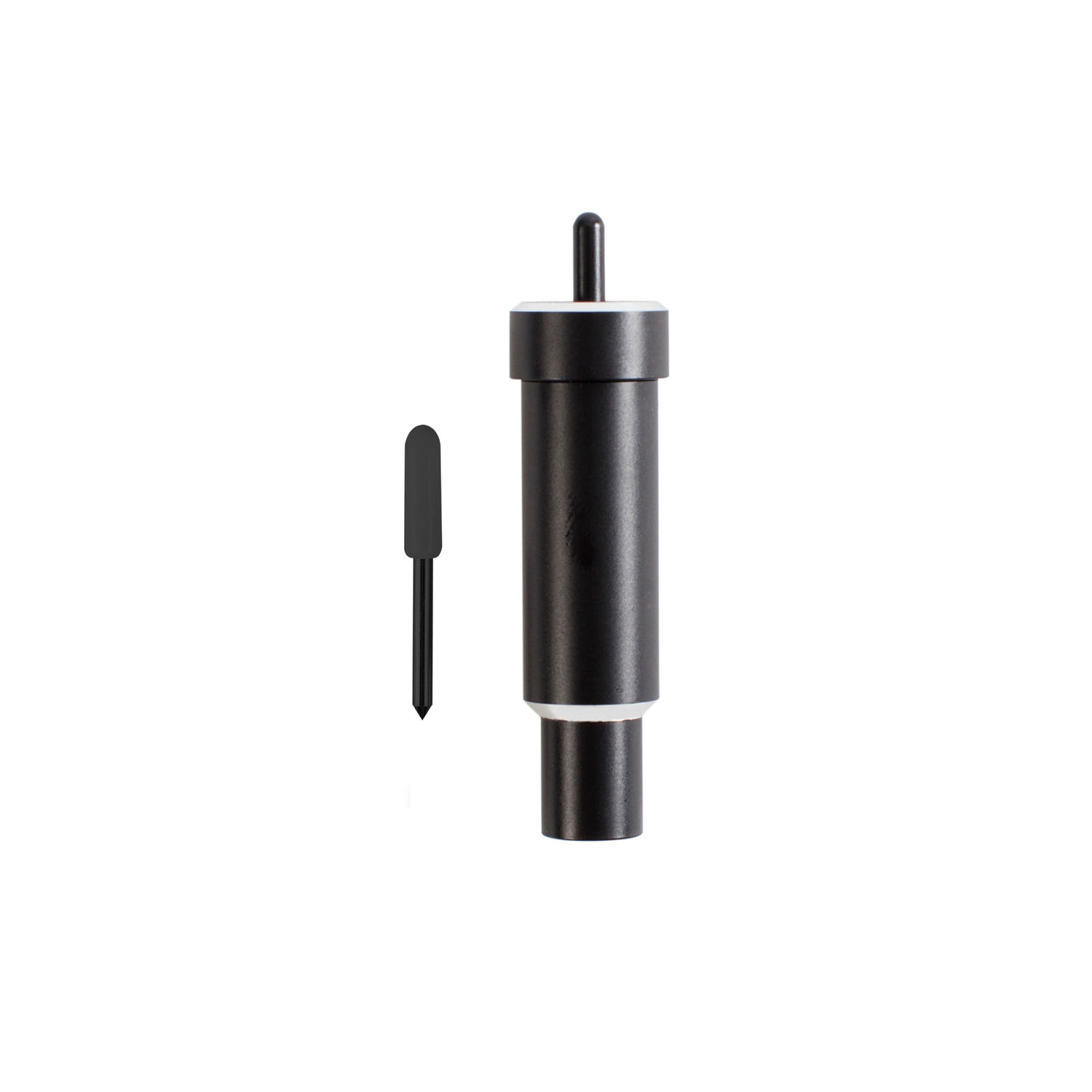
Cricut Explore + Maker Deep-Point Blade With Housing
Cricut Explore + Maker Deep-Point Blade with Housing; The Cricut Deep-Point Blade + Housing makes it easy to cut a wider variety of materials for your projects. The Deep-Point Blade has a steeper blade angle (60? vs 45?) and is made from harder, more durable steel. Use it with your Maker or Explore machine to create personalised wall calendars from chipboard, cut your own stamps with rubber sheets, or make custom magnets. The deep cut blade is recommended for: Magnet, Chipboard, Stamp material, Thick cardstock, Stiffened felt, Foam sheets, Cardboard. Creating personalised crafts has become easy with Cricut accessories, and to enhance the beauty of these crafts, Cricut is here with the Deep Point Blade + Housing: a 1-1/8-inch blade and a 2-1/4-inch deep cut housing to hold it. This cutting tool allows you to cut the desired shapes on a wider variety of materials and apply them to your projects. This blade and Housing are compatible with your Cricut Maker and Explore machines (including Explore, Explore One, Explore Air, and Explore Air 2).
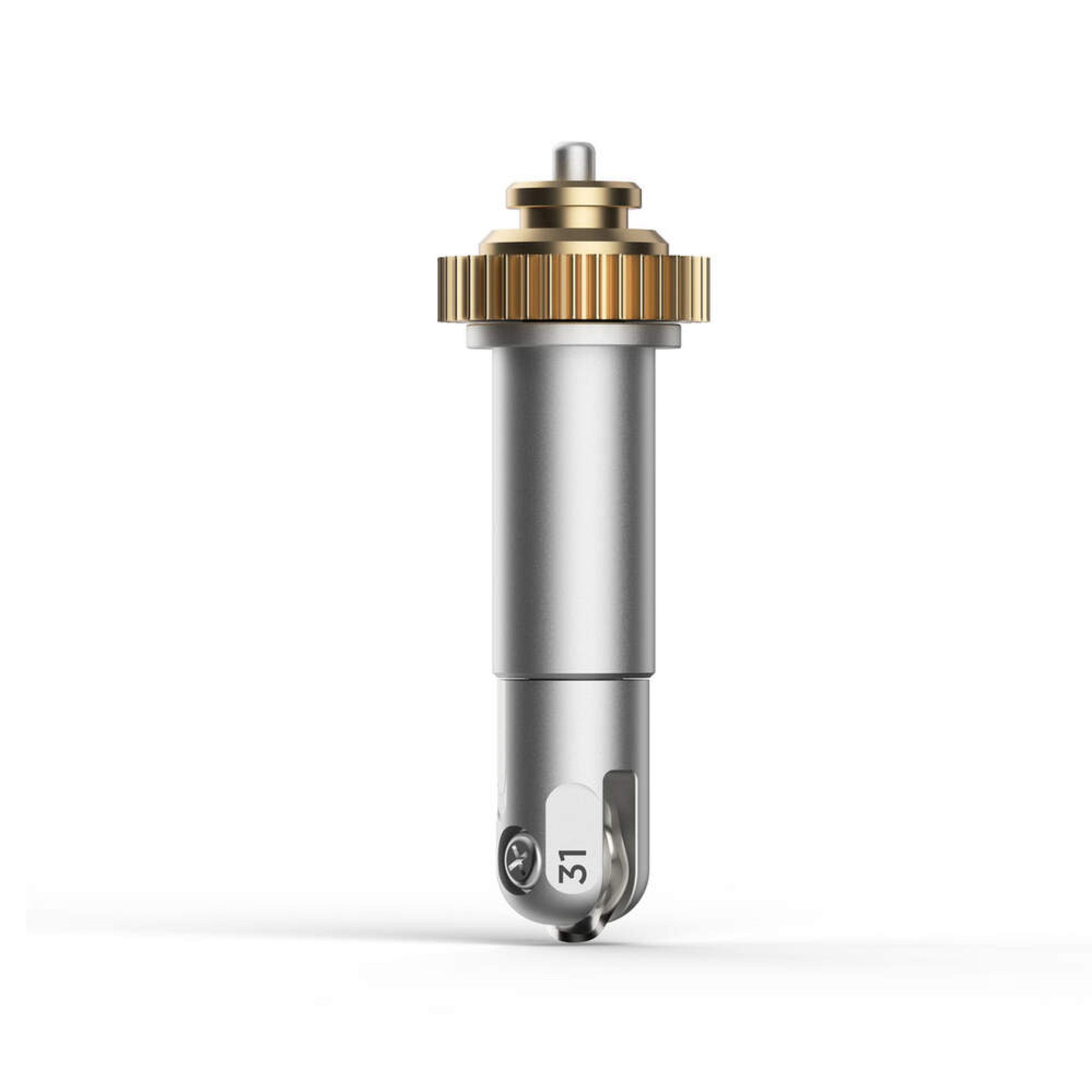
Cricut Maker Wavy Blade Tip With Quickswap Housing
Cricut Maker Wavy Blade Tip With Quickswap Housing; Wavy Blade, 2.0 mm L / 0.8 mm H Quickly create a fun wavy edge on a variety of popular materials For Cricut Maker? machines only Includes the QuickSwap? Housing. Make original vinyl decals, iron-on designs, custom tags, cards, envelopes, collage projects, kids' crafts, and more. Perfect for iron-on, vinyl, paper, cardstock, fabric, and more Stainless steel rotary blade For more info, visit help.cricut.com/wavyblade Get a decorative edge in half the time than a drag blade with gently curving cuts for a wide variety of projects. To add a whimsical wavy edge to any design, snap the tip onto the QuickSwap Housing and tell your Cricut Maker to "Go!" This specially sculpted stainless steel blade is great for original vinyl decals, iron-on designs, envelopes, cards, gift tags, and collage projects, or any time you need fabulously finished edges and stylish design accents. Perfect for iron-on, vinyl, paper, cardstock, fabric, and more. For use with Cricut Maker machines. Expand your collection of Cricut Maker tools with a variety of QuickSwap tips. Just swap out Wavy Blade with any other QuickSwap tip, including Engraving Tip, Debossing Tip, Scoring Wheels, and Perforation Blade ? with more on the way.
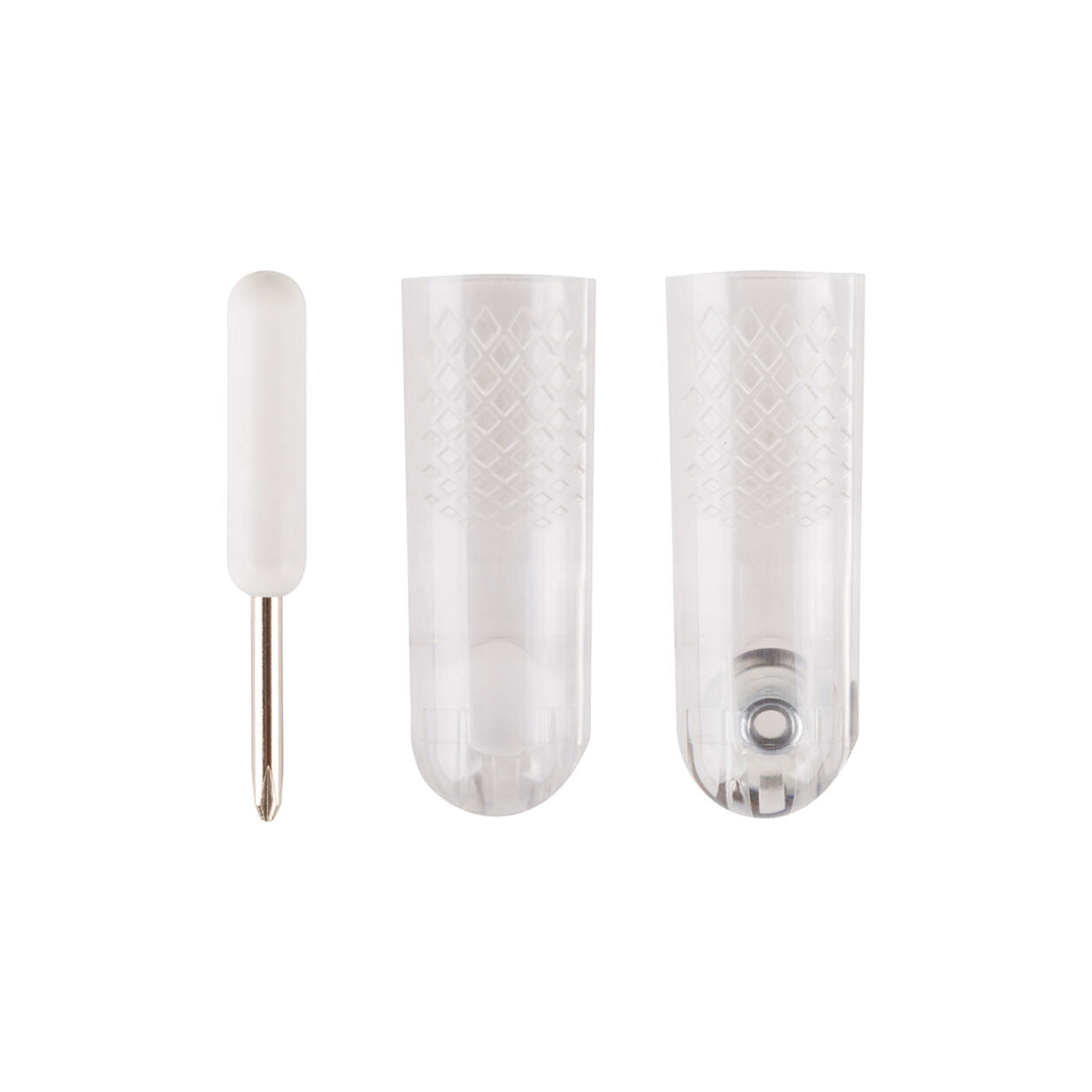
Cricut Maker Rotary Blade Replacement Kit
Cricut Maker Rotary Blade Replacement Kit; Kit includes: one protective cap with rotary blade, washer, nut (preinstalled); protective cap; small screwdriver; blade changing instructions. Cuts soft, flexible materials, such as silk, denim, cotton, burlap, and canvas Use with Cricut Maker? Smart Cutting machines only (will not work with Explore family or other machines). A new, sharp blade cuts beautiful designs out of soft fabrics for sewing projects that are quicker and easier than ever. This kit includes a protective changing cap that makes changing blades easy and safe. The cap keeps the blade covered during replacement, so you never risk contact with the blade. Cut everything from silk, cotton, and denim to canvas and burlap. You can also cut delicate materials, such as crepe paper. Choose from hundreds of sewing patterns in the Cricut? Library, then flawlessly mark and cut with your Cricut Maker. You get to do the fun part: sewing! Cut pieces to create quilts, bags, accessories, decor, stuffed animals, and much more. For results you'll always love, replace your rotary blade when you notice uncut threads or when the material settings in Design Space? no longer seem accurate. Recommended: Cricut FabricGrip? cutting mat and Washable Fabric Pen. Please note that the Rotary Blade is only for use with the Cricut Maker - it cannot be used with the Explore, Explore One, Explore Air, Explore Air 2, or any older machines.
%2011.4x30.5cm_Thumbnail.png?alt=media&token=e9995172-829c-467d-bc36-8baf6e1754a8)
Cricut infusible ink Pattern Sheet Cherry Red 2P
Cricut Infusible Ink Pattern Sheet Cherry Red 2pc; 2 Infusible Ink? Transfer Sheets ideal for Cricut Mug Press? designs 4.5? x 12? (11.4 cm x 30.5 cm) Produces vibrant, pro-quality transfers that last a lifetime Requires compatible Infusible Ink blank (sold separately) and Cricut Mug Press?, Cricut EasyPress?, or heat press Transferred inks never flake, peel, crack, or wrinkle Carefully follow instructions at help.cricut.com If you have a Cricut Mug Press?, these sheets were made for you. Personalise mugs and more with pro-quality custom designs that will truly last a lifetime. Use these ready-to-cut sheets in fun patterns and colours with your Cricut cutting machine to infuse any compatible Infusible Ink blank with your custom art ? a name, a logo, an inside joke, or a favourite quote! Available in an array of colours and patterns, these pre-inked sheets bloom into rich, vibrant hues once transferred using high temperatures. The results are bright, beautiful, seamlessly smooth transfers that never flake, peel, wrinkle, or crack! For use with Cricut cutting machines. What is the Infusible Ink process? Unlike an iron-on transfer or vinyl application, where artwork is attached to a compatible material with adhesive, an Infusible Ink heat transfer becomes one with the material itself. How it works: Choose your materials. Select Infusible Ink Transfer Sheets or Infusible Ink Pens & Markers and a compatible Cricut blank. Make your design. Cut Infusible Ink Transfer Sheets or draw with Infusible Ink Pens & Markers using laser copy paper. Apply heat. Infuse your design into your Cricut blank with Cricut Mug Press, Cricut EasyPress, or a heat press. The Infusible Ink system includes Infusible Ink Transfer Sheets in a variety of solid colours and patterns, as well as Infusible Ink Pens & Markers. Plus, a growing list of compatible Infusible Ink blanks, including T-shirts, tote bags, and coasters. Note: Sheets are light sensitive and will be damaged by contact with water. Store in a dark, dry place.?