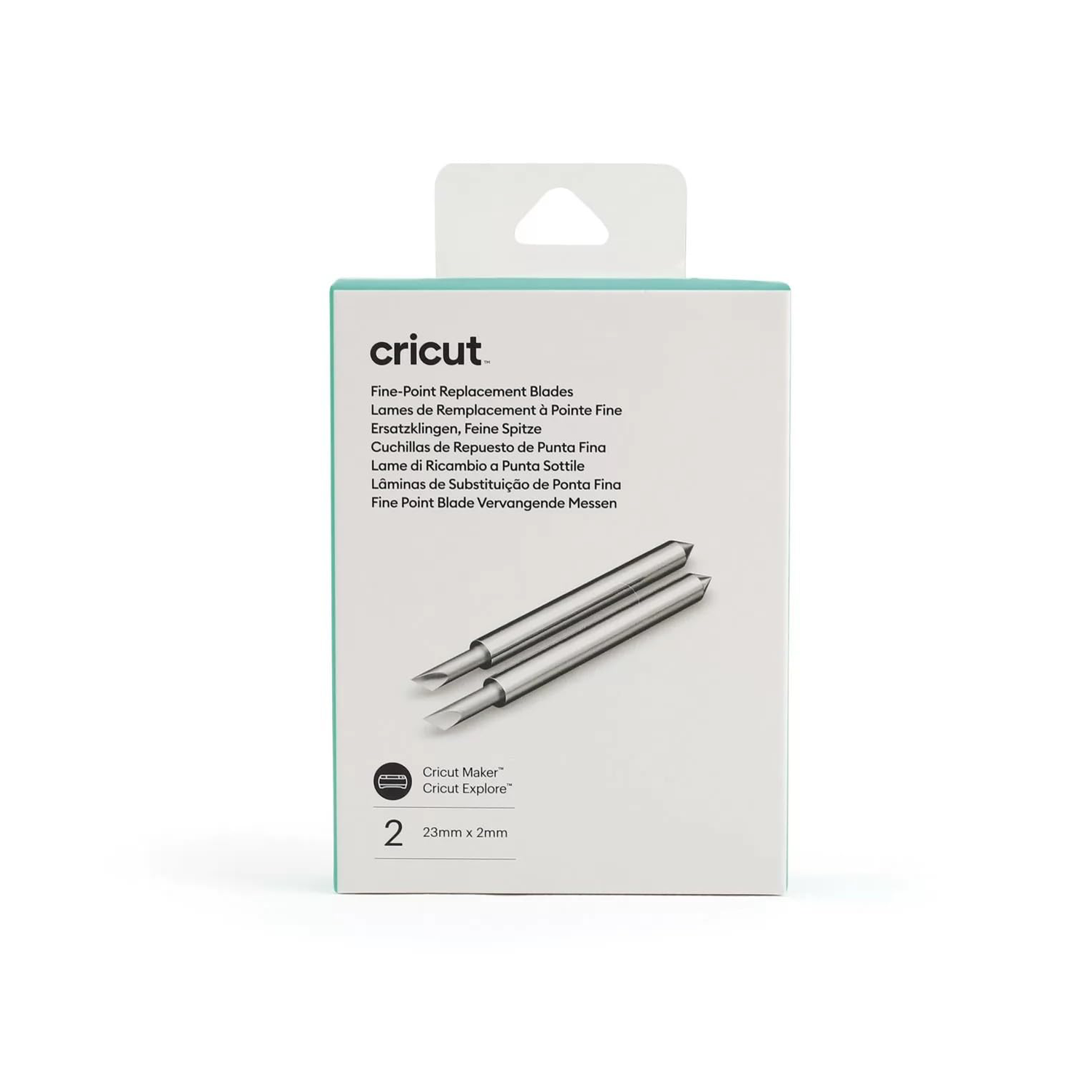
Cricut Explore/Maker Premium Fine-Point Replacement Blade


Cricut Explore/Maker Premium Fine-Point Replacement Blade

Cricut Explore/Maker Premium Fine-Point Replacement Blade;
Default
Quantity
Customer Reviews
You might also be interested in
Cricut Maker Double Scoring Wheel Tip
Cricut Maker Double Scoring Wheel Tip; 1 Double Scoring Wheel Replacement Tip Creates extra-deep double score lines for perfect folds and a flawless finish on heavyweight materials For Cricut Maker? machines only Requires QuickSwap? Housing (sold separately) Easily snap the Double Scoring Wheel onto the QuickSwap? Housing (sold separately) to break creative barriers and get extra-deep double score lines. For use on projects from tags, cards, and gift boxes to jaw-dropping wearable art, 3D home decor, structures, and more, the Double Scoring Wheel gives you crisp creases in one pass for perfect, effortless folds. Applies double-score lines with up to 10X the pressure of the Scoring Stylus so that you can take on thicker and even coated paper with ease. For use with Cricut Maker machines only. Expand your collection of Cricut Maker tools with a variety of QuickSwap tips. Just swap out the Single or Double Scoring Wheel with any other QuickSwap tip, including Engraving Tip, Debossing Tip, Perforation Blade, and Wavy Blade ? with more on the way.
Cricut Maker Debossing Tip
Cricut Maker Debossing Tip only. Customise projects with crisp, detailed debossed designs, no folders necessary; For Cricut Maker machines only. For use with a QuickSwap housing (sold separately) Deboss any design you'd like, including decorative flourishes, patterns, monograms, logos, seals, and more. Creating personalised crafts has become easy with Cricut accessories. To achieve professional polish and elevated elegance on a wide variety of materials, Cricut is here with our Fine Debossing Tip. This debossing tool must be swapped onto the QuickSwap Housing (sold separately) for use in the Cricut Maker machine family. With a wider range of motion, the rolling debossing ball gives you free rein to customise, personalise, and design coated paper, duct tape sheet, shimmer and glitter paper, foil cardstock, and much more, and create decorative flourishes, patterns, monograms, logos, seals, and more with incredible intricacy. The debossing tip can be swapped out for any other QuickSwap tip, including the scoring tip, engraving tip, perforation blade, and wavy blade (sold separately) to inscribe designs. With our impressive range of crafting tools, ultimate smart-cutting machines, and other craft supplies & materials, you can make your personal DIY projects more fun and easier.
Cricut Premium Permanent Vinyl Skintone Sampler 12X12 (10 Pack)
Cricut Premium Permanent Vinyl Skintone Sampler 12x12 (10 pack) 10 sheets 12 in x 12 in (30.5 cm x 30.5 cm) in Birch, Macadamia, Tawny, Almond, Hazelnut, Acacia, Chestnut, Umber, Mahogany, Walnut Glossy finish Weather- and fade-resistant Dishwasher-friendly* Easy to weed, effortless to apply For all Cricut? cutting machines Every project goes smoothly when you use Cricut Permanent Vinyl ? it lies flat on your machine mat without tunnelling or bubbling. Cut your design, weed with ease, and apply with awe. Even your most intricate designs effortlessly separate from the carrier sheet for fuss-free application. Weather- and fade-resistant, Permanent Vinyl works in almost any environment, even in the great outdoors. For use with all Cricut cutting machines. *Not intended for food or mouth contact. Carefully follow instructions at cricut.com/help/dishwasher-friendly
Cricut Maker Engraving Tip
Cricut Maker Engraving Tip Engrave unique and permanent designs on a variety of materials; For Cricut Maker machines only; Requires QuickSwap Housing (sold separately) Tip only. Housing not included. Make a lasting impression with the Cricut Engraving Tip. To get professional-looking results that will last a lifetime at home, snap this tip onto the QuickSwap Housing (sold separately) and tell your Cricut Maker to "Go!" Watch with awe as you write personalised text or monograms, draw decorative flourishes and embellishments, or inscribe your favourite quotes on a keepsake. For an eye-catching effect, engrave Cricut Aluminium Sheets or anodised aluminium to reveal the silver beneath. For use with Cricut Maker machines. For more info on engraving techniques and materials, visit help.cricut.com/engrave. Expand your collection of Cricut Maker tools with a variety of QuickSwap tips. Just swap out the Cricut Engraving Tip with any other QuickSwap tip, including Scoring Wheels, Debossing Tip, Perforation Blade, and Wavy Blade, with more on the way. Note: Design Space? includes an engrave Linetype, with customised material settings.
Cricut Smart Vinyl Permanent 33X366 cm 1 Sheet (Shimmer Gold)
Cricut Smart Vinyl Permanent 33X366 cm 1 Sheet (Shimmer Gold); 1 roll 33 cm x 3.6 m (13 in x 12 ft), 1 sheet StrongGrip Transfer Tape 30.5 cm x 0.9 m (12 in x 3 ft); Works without a cutting mat, just load & go! Recommended for indoor use; Use with Cricut StrongGrip Transfer Tape; For Cricut Explore 3 and Cricut Maker 3 Cricut Smart Vinyl Permanent Sheet is a must-have for crafters looking to add a sophisticated sparkle to their designs. With a premium shimmer finish, this vinyl offers a sleek and stylish black look that remains vibrant over time. Its strong adhesion ensures it stays in place on various surfaces, making it ideal for long-term projects. Whether you're designing custom decals, labels or home decor items, this vinyl cuts effortlessly with Cricut machines, no mat needed. Plus, its water-resistant and weatherproof properties make it suitable for both indoor and outdoor applications.
Cricut Smart Vinyl Removable 33X91 cm 1 Sheet (Grass)
Cricut Smart Vinyl Removable 33X91 cm 1 Sheet (Grass) Works without a cutting mat, just load & go! Durable, yet removes without residue; Recommended for indoor use; For Cricut Explore 3 & Cricut Maker 3 Creating commitment-free personalised projects, big or small, is a snap with removable Cricut Smart Vinyl. This nifty material lets you make more in less time, no cutting mat needed. Just load and go. It's easy to create a quick, removable decal for your laptop, lettering for a school project, or make a bold statement on your living room wall. Apply to almost any surface. This vinyl removes without residue for ultimate flexibility. You've got this, from small accents around your home to big projects full of pizzazz. For use with Cricut Explore 3, Cricut Maker 3, and Cricut Venture.
Cricut Smart Vinyl Permanent 33X366 cm 1 Sheet (Red
Cricut Smart Vinyl Permanent 33X366 cm 1 Sheet (Red); No machine mat needed Continuous cuts up to 12 ft in one go Weather- and fade-resistant Dishwasher friendly Lead- and phthalate-free For Cricut Explore? 3 and later, Cricut Maker? 3 and later, and Cricut Venture? Customise with confidence! Cricut? Permanent Smart Vinyl? is weather- and fade-resistant, making it perfect for personalised water bottles, outdoor signs, car decals & more. Plus, this material requires no machine mat, saving you time and simplifying your making experience. All Cricut materials are optimised for Cricut cutting machines with automatic cut settings in Design Space? to ensure you have the best cutting experience. ? Machine mat required for use with Cricut Maker, Cricut Explore, Cricut Explore One?, Cricut Explore Air?, Cricut Explore Air 2, and Cricut Expression machines. ? *Not intended for food or mouth contact. Carefully follow instructions at cricut.com/help/dishwasher-friendly
Cricut insert Cards Foil Royal Flush R10 (8 9 cm X 12 4 cm) 18-Pack
Cricut Insert Cards Foil Royal Flush R10 (8;9 cm X 12;4 cm) 18-Pack; 18 R10 cards (9 of each Colour) in Black, White; 18 inserts (9 of each Colour) Gold Metallic, Burnt Red; 18 Foil Transfer Sheets (9 of each Colour) Gold, Red; 18 White envelopes; Dimensions: R10 Cards 3.5 in x 4.9 in (8.9 cm x 12.4 cm), Inserts 3.25 in x 4.6 in (8.2 cm x 11.7 cm); Foil Transfer Sheets 3 in x 4.4 in (7.6 cm x 11.1 cm), Envelopes 3.6 in x 5.1 in (9.2 cm x 13 cm); Easy to cut designs with specialised Cricut Card Mat (sold separately) Easy to cut with Cricut Joy? Card Mat or Cricut Card Mat (sold separately) For Cricut Joy?, Cricut Explore?, and Cricut Maker? machines Add a little shimmer with Foil Transfer Insert Cards for your Cricut? cutting machine. The ingenious glue-free design lets you create two-tone, depth-filled cards without mess or hassle. Use your Cricut Foil Transfer Tool and included Foil Transfer Sheets to make your card designs shine. These cards come in a variety of sizes, include corresponding white envelopes, and are available in a bounty of colourways. Requires Cricut Foil Transfer Tool and compatible Cricut Card Mat (sold separately).