
Cricut Joy StrongGrip Transfer Tape (14x122 cm)


Cricut Joy StrongGrip Transfer Tape (14x122 cm);
Type
Quantity
Customer Reviews
You might also be interested in
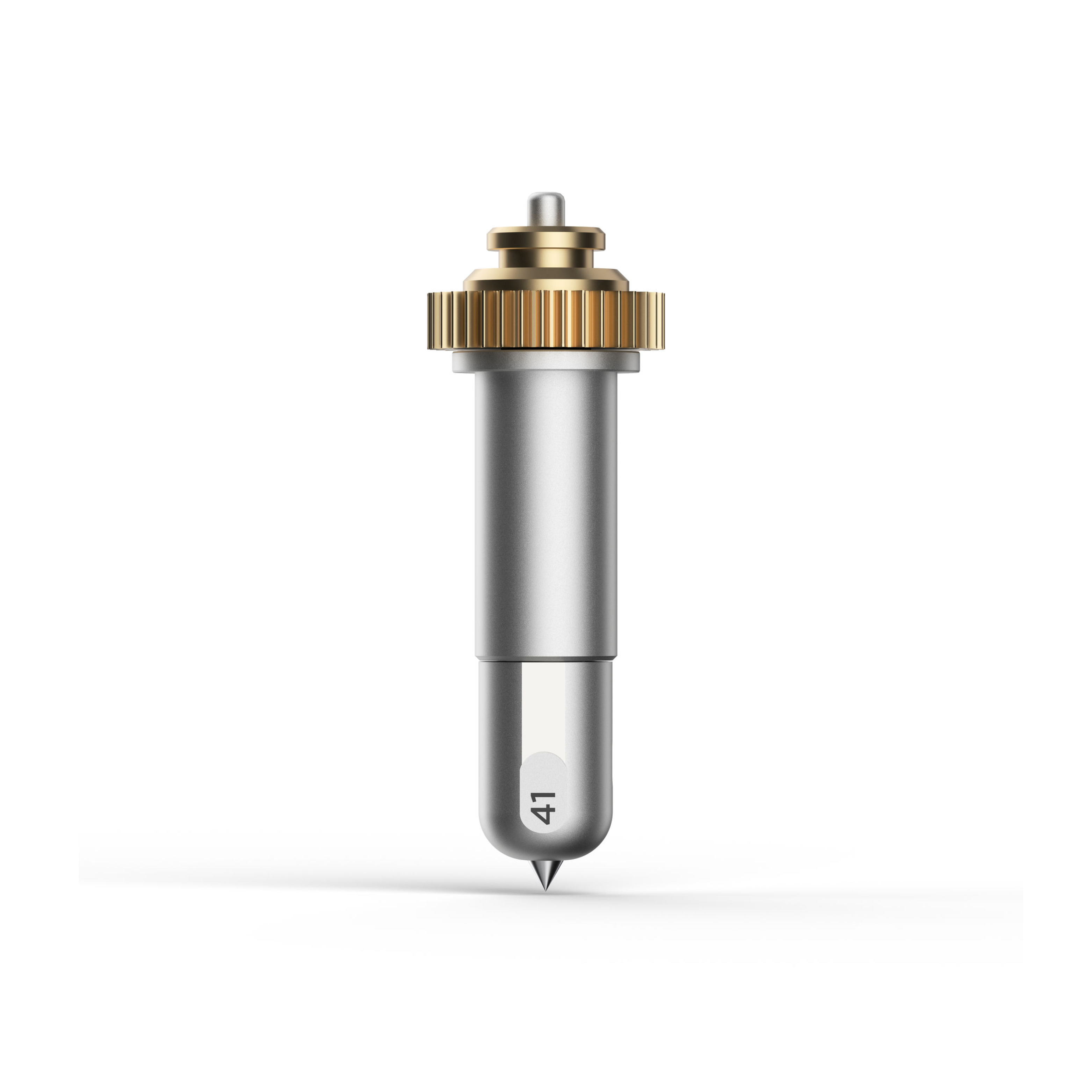
Cricut Maker Engraving Tip With Quickswap Housing
Cricut Maker Engraving Tip with QuickSwap Housing; Engrave unique and permanent designs on a variety of materials; For Cricut Maker machines only; Includes Engraving Tip and QuickSwap? Housing Make a lasting impression with the Cricut Engraving Tip. To get professional-looking results that will last a lifetime at home, snap this tip onto the QuickSwap Housing (sold separately) and tell your Cricut Maker to "Go!" Watch with awe as you write personalised text or monograms, draw decorative flourishes and embellishments, or inscribe your favourite quotes on a keepsake. For an eye-catching effect, engrave Cricut Aluminium Sheets or anodised aluminium to reveal the silver beneath. For use with Cricut Maker machines. For more info on engraving techniques and materials, visit help.cricut.com/engrave. Expand your collection of Cricut Maker tools with a variety of QuickSwap tips. Just swap out the Cricut Engraving Tip with any other QuickSwap tip, including Scoring Wheels, Debossing Tip, Perforation Blade, and Wavy Blade, with more on the way. Note: Design Space? includes an engrave Linetype, with customised material settings.
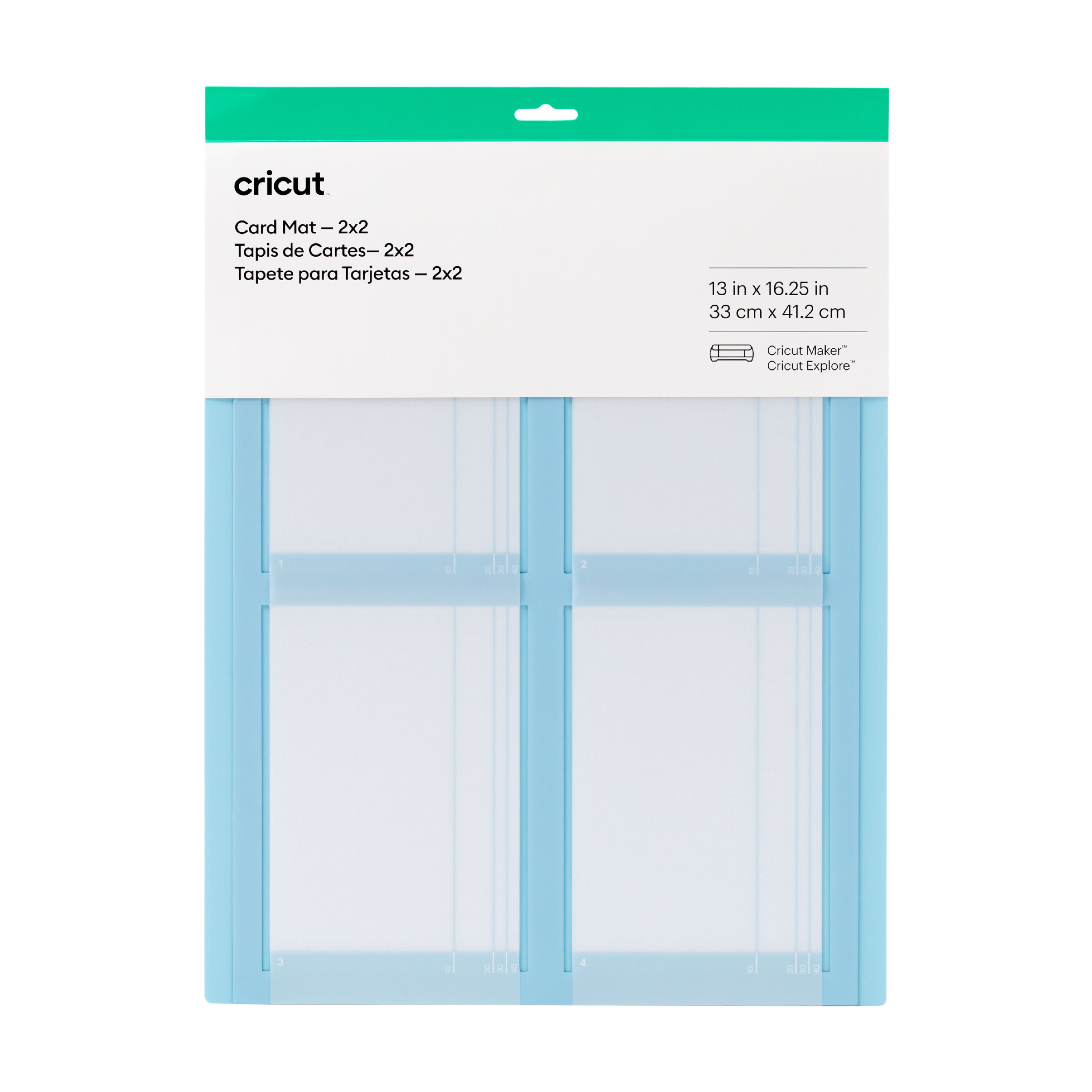
Cricut 2X2 Card Mat (Direct To Customer)
Cricut 2x2 Card Mat; 1 reusable machine mat 13 in x 16.25 in (33 cm x 41 cm); Cut up to 4 custom cards at once Designed to work perfectly with all Cricut cards (sold separately) Personalise last-minute birthday cards, thank-you notes & eleventh-hour invites For Cricut Explore? or Cricut Maker? machines Multiply your card-making with the reusable Cricut? Card Mat ? 2x2. It holds up to 4 cards and works perfectly with all Cricut cards, including Insert Cards and Cutaway Cards (sold separately). For Birthdays, Thank Yous, Congrats, or Just Because ? or all four at once. Make every card count. For all Cricut Explore? and Cricut Maker? machines. For a complete list of compatible materials and instructions, visit cricut.com/insertcards.