
Accessories/Blades & Housing
Show:per page
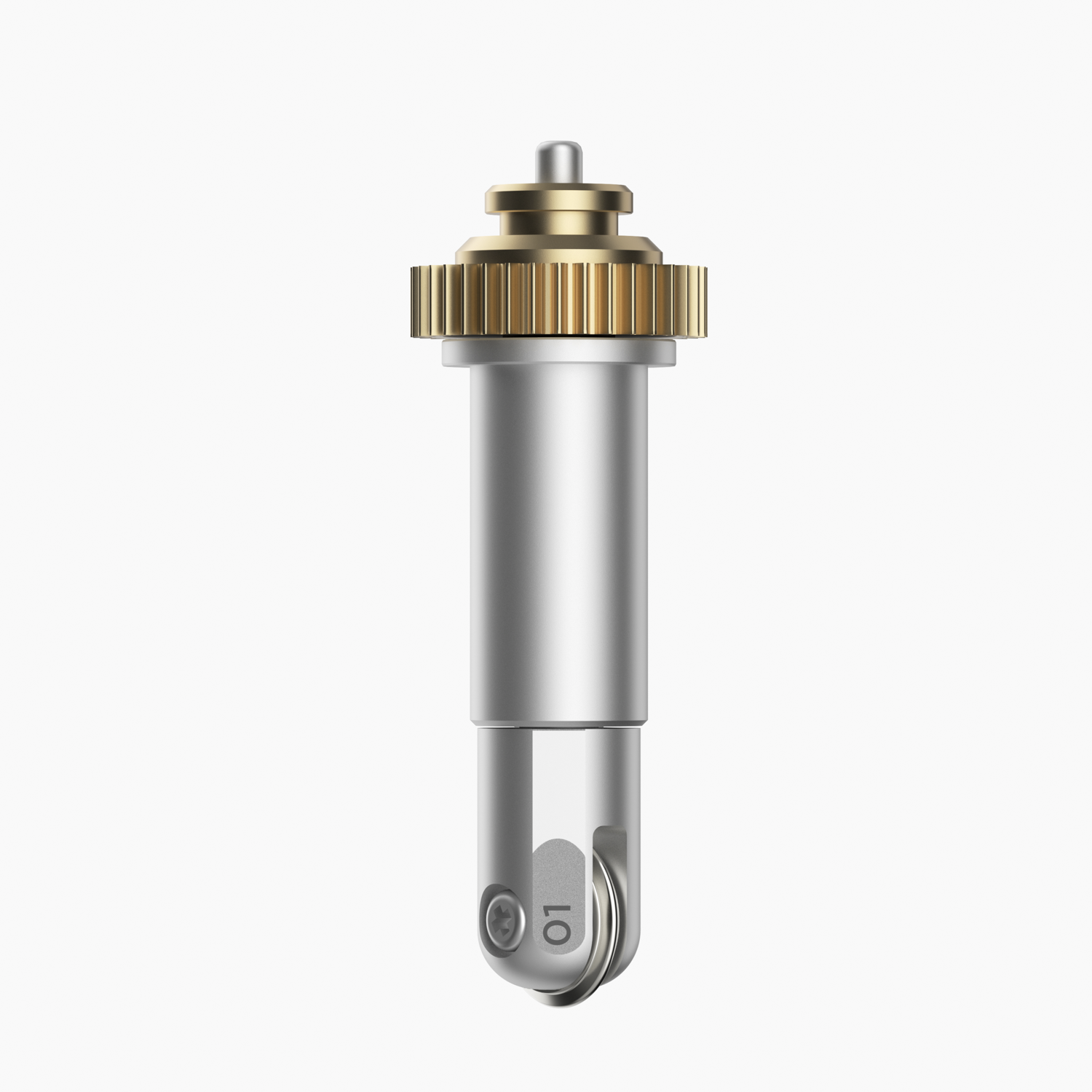
Cricut Maker Single Scoring Wheel Tip with QuickSwap Housing; Pro-level precision to every possible crease-and-fold project For Cricut Maker? only 10X more pressure than the Scoring Stylus Perfect, effortless folds Break creative barriers and make more than ever before with the Single Scoring Wheel. From flawlessly finished tags, cards, and gift boxes to jaw-dropping wearable art, 3D home decor, structures, and more, you'll bring pro-level precision to every possible crease-and-fold project. Get crisp creases in one pass. Make perfect, effortless folds. Rejoice in that flawless finish. Expand your collection of Cricut Maker tools with a variety of QuickSwap tips. Just swap out the Single or Double Scoring Wheel with any other QuickSwap tip, including Engraving Tip, Debossing Tip, Perforation Blade, and Wavy Blade ? with more on the way.
_1-01KPN485YD1RK9DZ2JGCK5AY14.jpg)
Cricut Rotary Cutter (45mm); Rotary Cutter, 45 mm A premium carbon-alloy steel rotary blade delivers crisp, controlled cuts on a wide variety of materials. Sliding quick-release blade cover for safety when not in use Symmetrical handle for right- or left-handed users The Cricut Rotary Cutter features a premium carbon-steel rotary blade that delivers crisp, controlled cuts across a wide range of materials. Designed with safety in mind, it includes a sliding quick-release blade cover to protect the blade when not in use. Its symmetrical handle makes it comfortable for both right and left-handed users, ensuring precise control during cutting. This cutter is the perfect companion for all Cricut cutting machines, making fabric cutting quicker, easier and more enjoyable.
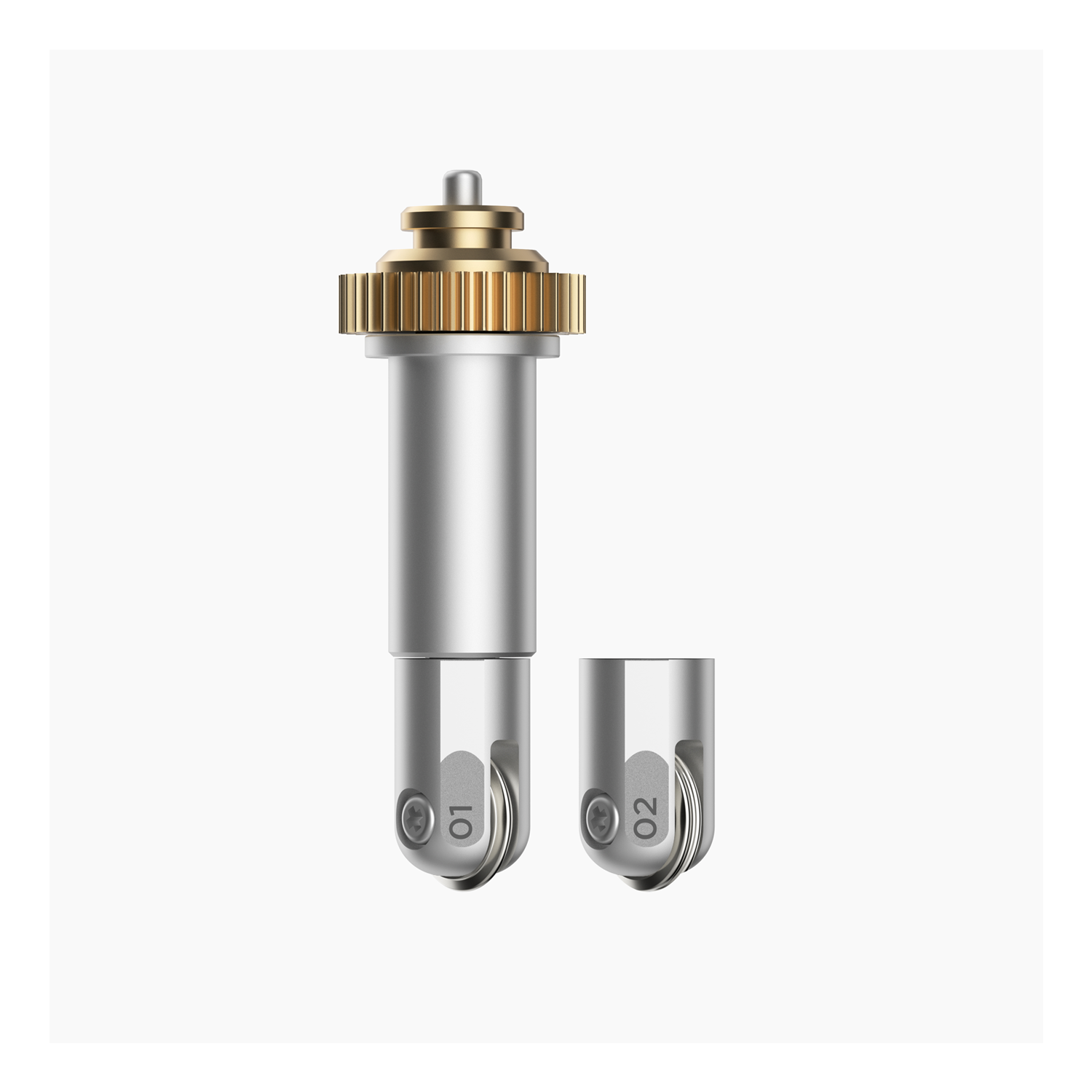
Everything you need. This combo pack includes two professional-quality scoring wheels that give you extra-deep score lines and a flawless finish on everyday and speciality material projects. Break creative barriers and make more than ever before with the Cricut Scoring Wheel Combo Pack. From flawlessly finished tags, cards, and gift boxes to jaw-dropping wearable art, 3D home decor, structures, and more, you'll bring pro-level precision to every possible score-and-fold project. Get crisp creases in one pass. Make perfect, effortless folds. Rejoice in that flawless finish. With up to 10X the pressure of the Scoring Stylus, the patented wheel design handles thin, thick, and even coated paper with ease. Includes Scoring and Double Scoring Wheel Tips and QuickSwap? Housing for interchangeable tool use.
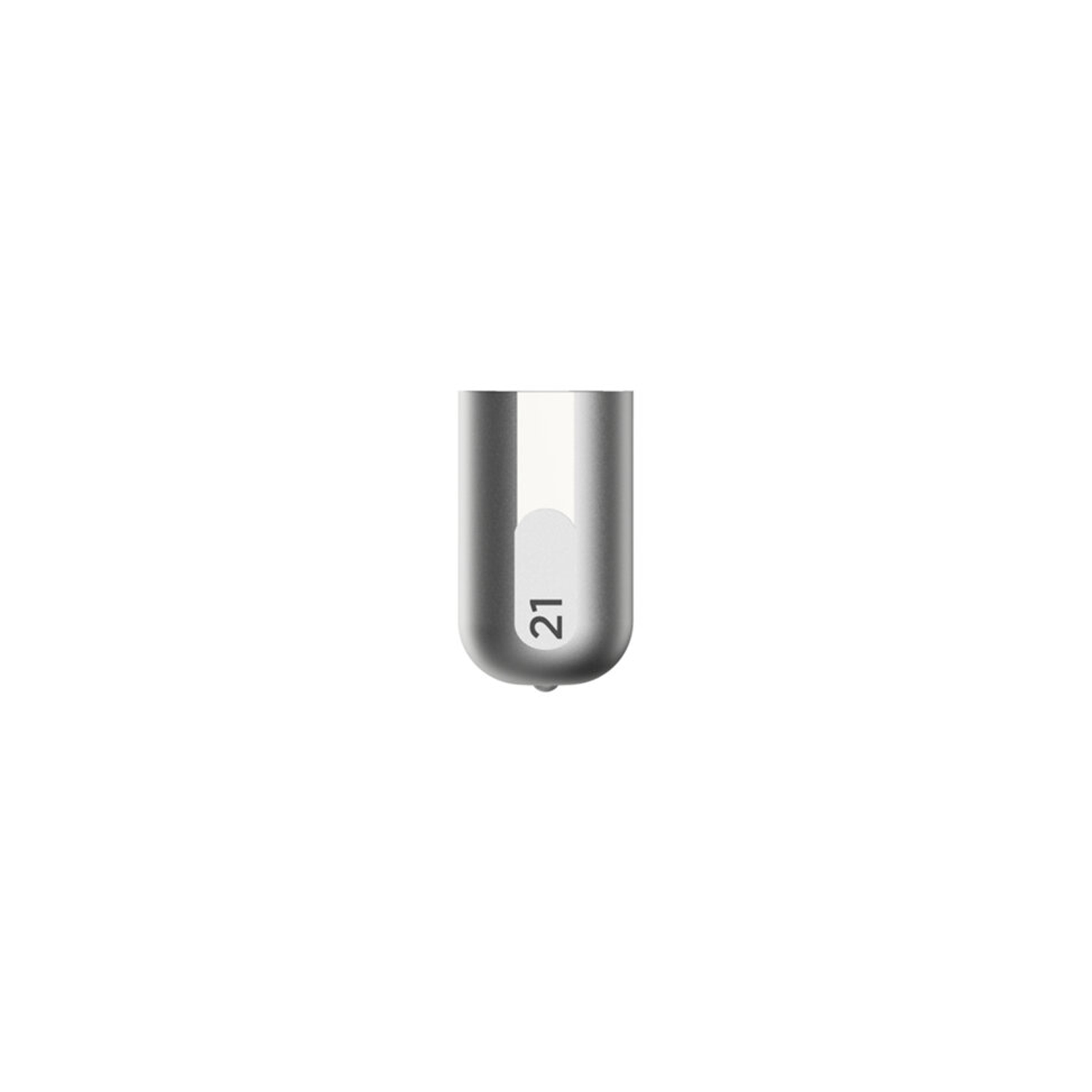
Cricut Maker Debossing Tip only. Customise projects with crisp, detailed debossed designs, no folders necessary; For Cricut Maker machines only. For use with a QuickSwap housing (sold separately) Deboss any design you'd like, including decorative flourishes, patterns, monograms, logos, seals, and more. Creating personalised crafts has become easy with Cricut accessories. To achieve professional polish and elevated elegance on a wide variety of materials, Cricut is here with our Fine Debossing Tip. This debossing tool must be swapped onto the QuickSwap Housing (sold separately) for use in the Cricut Maker machine family. With a wider range of motion, the rolling debossing ball gives you free rein to customise, personalise, and design coated paper, duct tape sheet, shimmer and glitter paper, foil cardstock, and much more, and create decorative flourishes, patterns, monograms, logos, seals, and more with incredible intricacy. The debossing tip can be swapped out for any other QuickSwap tip, including the scoring tip, engraving tip, perforation blade, and wavy blade (sold separately) to inscribe designs. With our impressive range of crafting tools, ultimate smart-cutting machines, and other craft supplies & materials, you can make your personal DIY projects more fun and easier.
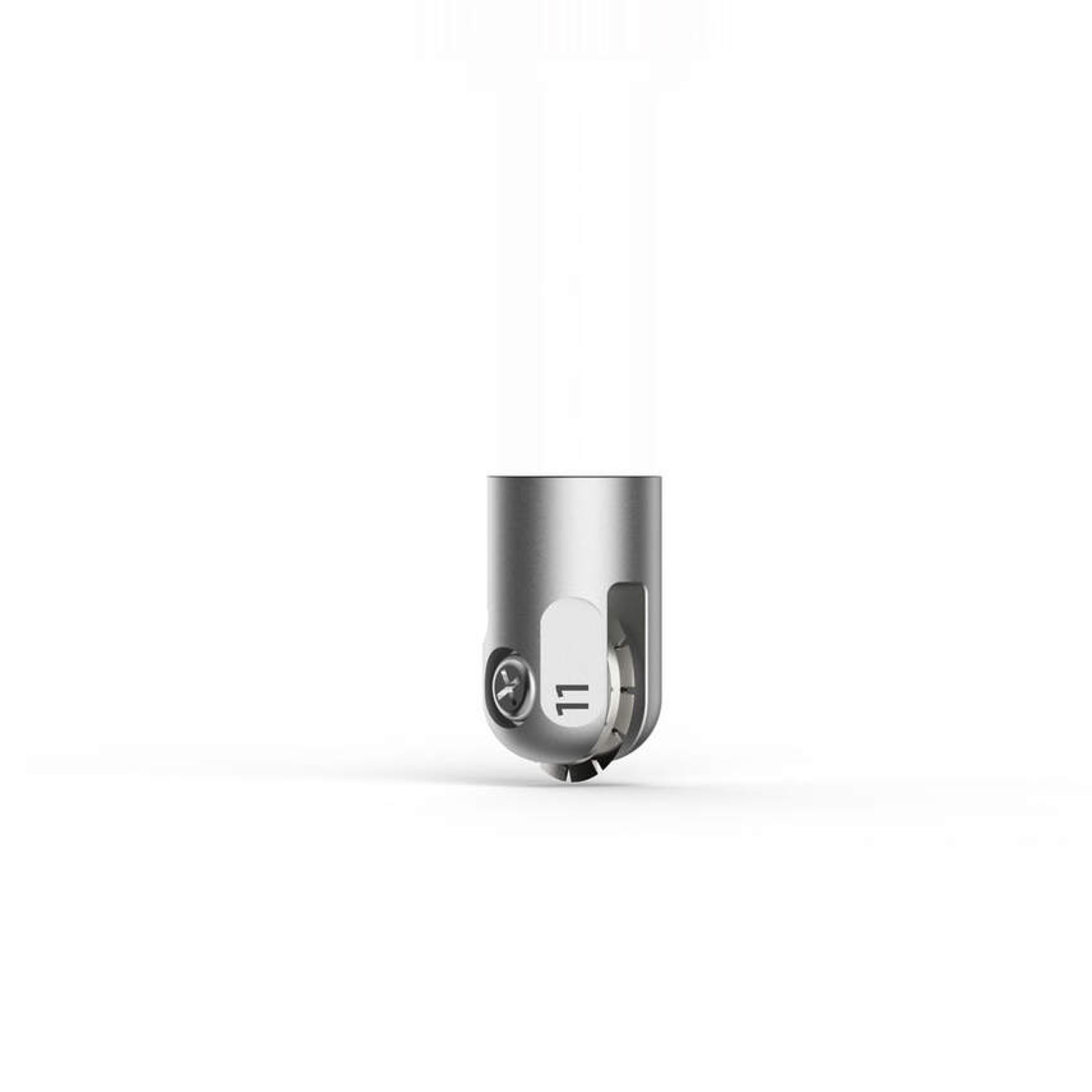
Cricut Maker Perforation Blade Tip; Basic Perforation Blade, 2.5 mm teeth / 0.5 mm gaps; Creates perfect tear-offs and easy peel-aways using paper, cardstock, acetate, poster board, and more; For Cricut Maker machines only; Requires QuickSwap Housing Cricut Basic Perforation Blade: Get smooth tears quickly and effortlessly with precise perforation cuts for a wide variety of projects. To create uniform, finely perforated lines for any design, snap this tip onto the QuickSwap Housing and tell your Cricut Maker to "Go!" Evenly spaced perforation lines allow for clean, even tearing without the need to fold beforehand. Especially great for shapes with curves. Perfect for tear-out booklet pages, raffle tickets, homemade journals, or any project that demands a clean tear. Make holiday ornaments, raffle tickets, tear-away cards or gift coupons, advent calendars, and more. Perfect for paper, cardstock, foam, and acetate.
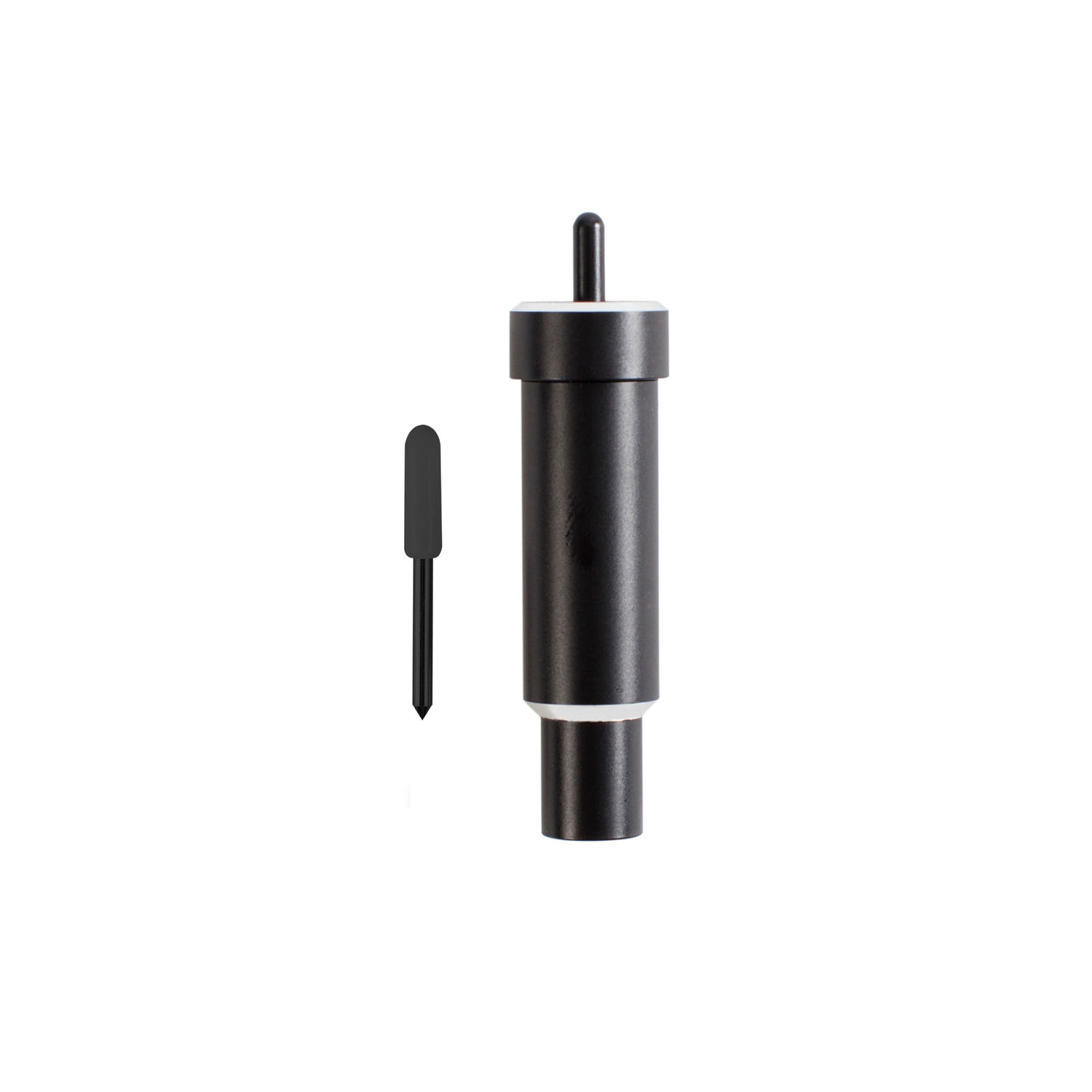
Cricut Explore + Maker Deep-Point Blade with Housing; The Cricut Deep-Point Blade + Housing makes it easy to cut a wider variety of materials for your projects. The Deep-Point Blade has a steeper blade angle (60? vs 45?) and is made from harder, more durable steel. Use it with your Maker or Explore machine to create personalised wall calendars from chipboard, cut your own stamps with rubber sheets, or make custom magnets. The deep cut blade is recommended for: Magnet, Chipboard, Stamp material, Thick cardstock, Stiffened felt, Foam sheets, Cardboard. Creating personalised crafts has become easy with Cricut accessories, and to enhance the beauty of these crafts, Cricut is here with the Deep Point Blade + Housing: a 1-1/8-inch blade and a 2-1/4-inch deep cut housing to hold it. This cutting tool allows you to cut the desired shapes on a wider variety of materials and apply them to your projects. This blade and Housing are compatible with your Cricut Maker and Explore machines (including Explore, Explore One, Explore Air, and Explore Air 2).
_Thumbnail-01KBCEFZXPPDHSQ9P7QB7NN09E.jpg)
Cricut Maker Knife Blade Replacement (without Drive Housing); Replacement blade that fits the Knife Blade Drive Housing (sold separately) for precise cuts through thicker or denser materials such as balsa, matboard, leather, craft foam, and more. Add texture and dimension to your projects. 1 premium 12 mm carbide Knife Blade For use with Cricut Maker? only Requires Knife Blade Drive Housing (sold separately) Safety Changing Cap protects fingers from the blade Not recommended for cutting images smaller than ?" Requires a computer with Design Space?; not compatible with mobile apps. Qualified Knife Blade cutting materials include: Balsa wood,?up to 3/32", Basswood, up to 1/16", Tooling leather, up to 7 oz, Garment leather, up to 5oz, Cricut? Chipboard, 2mm, Matboard, 2-ply or 4-ply, Craft foam, up to 2mm.
_thumbnail-01KAZRWBMKNT65J8PGPX9YXPCM.png)
Cricut Self-Healing Cutting Mat (30x30 cm); Durable, extra-thick 12 x 12 (30.5 cm x 30.5 cm) mat with self-healing surface; Double-sided with large, easy-to-read numbers on an inch-wide border; Not for use in Cricut machines; 12 x 12 (30.5 cm x 30.5 cm) reference marks match the Cricut machine mat size. Pretty up your workspace with this extra-thick, double-sided, self-healing cutting mat. Enjoy more creative cutting options with multi-angled grid lines. Easy-to-read numbers on an inch-wide border for use with rotary cutters and precision blades. Combining equal parts personality and functionality, this double-sided, self-healing cutting mat will inspire your creative imagination and provide the perfect cutting surface for all of your projects. Keep your cuts clean and enjoy more creative cutting options with multi-angled grid lines. Extend your mat life with the extra-thick surface, which prevents blade cut-through.
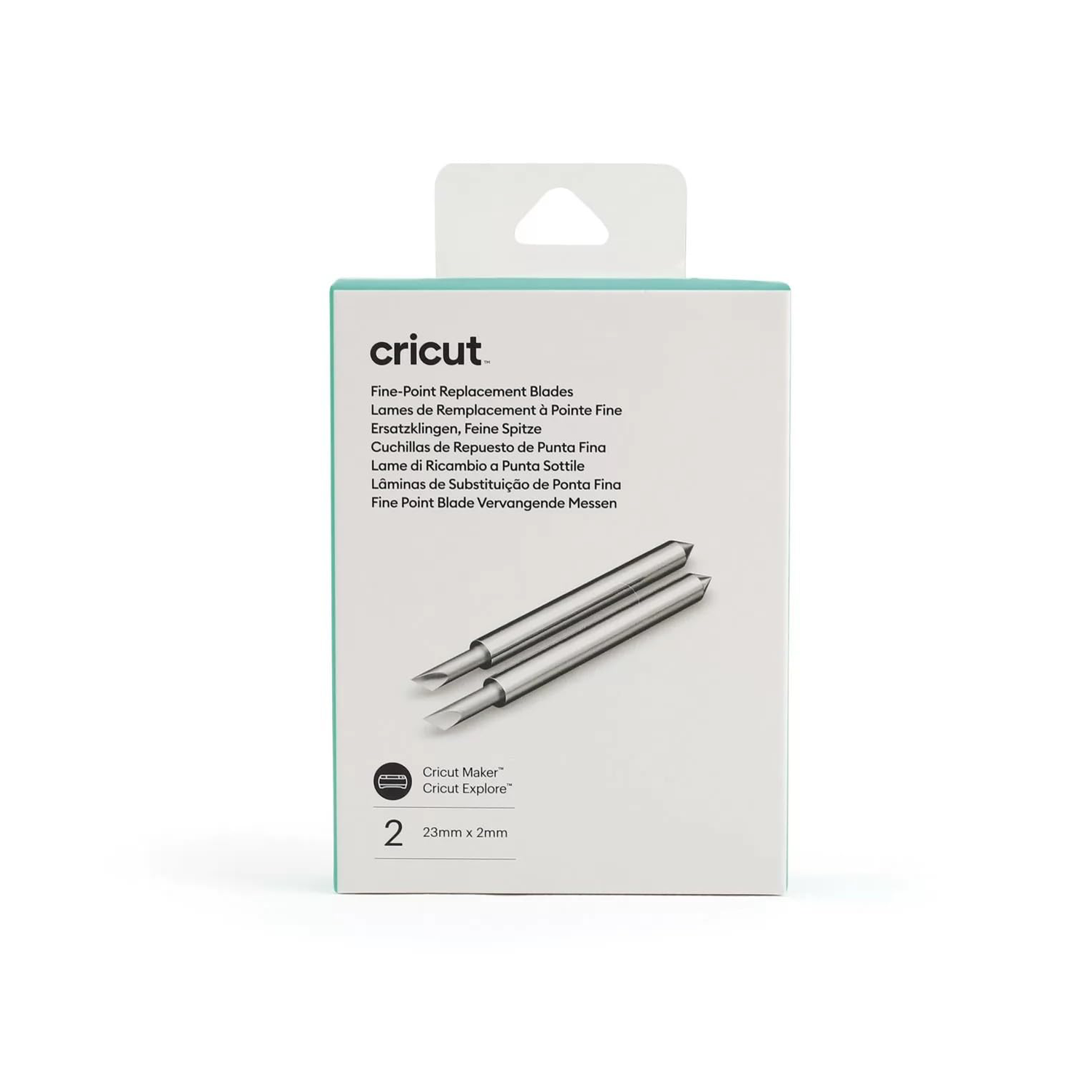
Cricut Explore/Maker Fine-Point Replacement Blades 2-Pack; 2 Fine-Point Replacement Blades; Designed to cut a wide variety of materials. The blade requires a Premium Fine-Point Blade Housing (sold separately) Made from carbide steel, this versatile blade delivers precision cuts at a great price. It's specially designed to take on intricate cuts with your Cricut cutting machine. It cuts most light to medium-weight materials, including cardstock, vinyl, iron-on, poster board, and more. Use with gold Premium Fine-Point Blade Housing or silver Fine-Point Blade Housing. For best results, replace Fine-Point blades when needed. For use with Cricut Maker and Cricut Explore family machines.
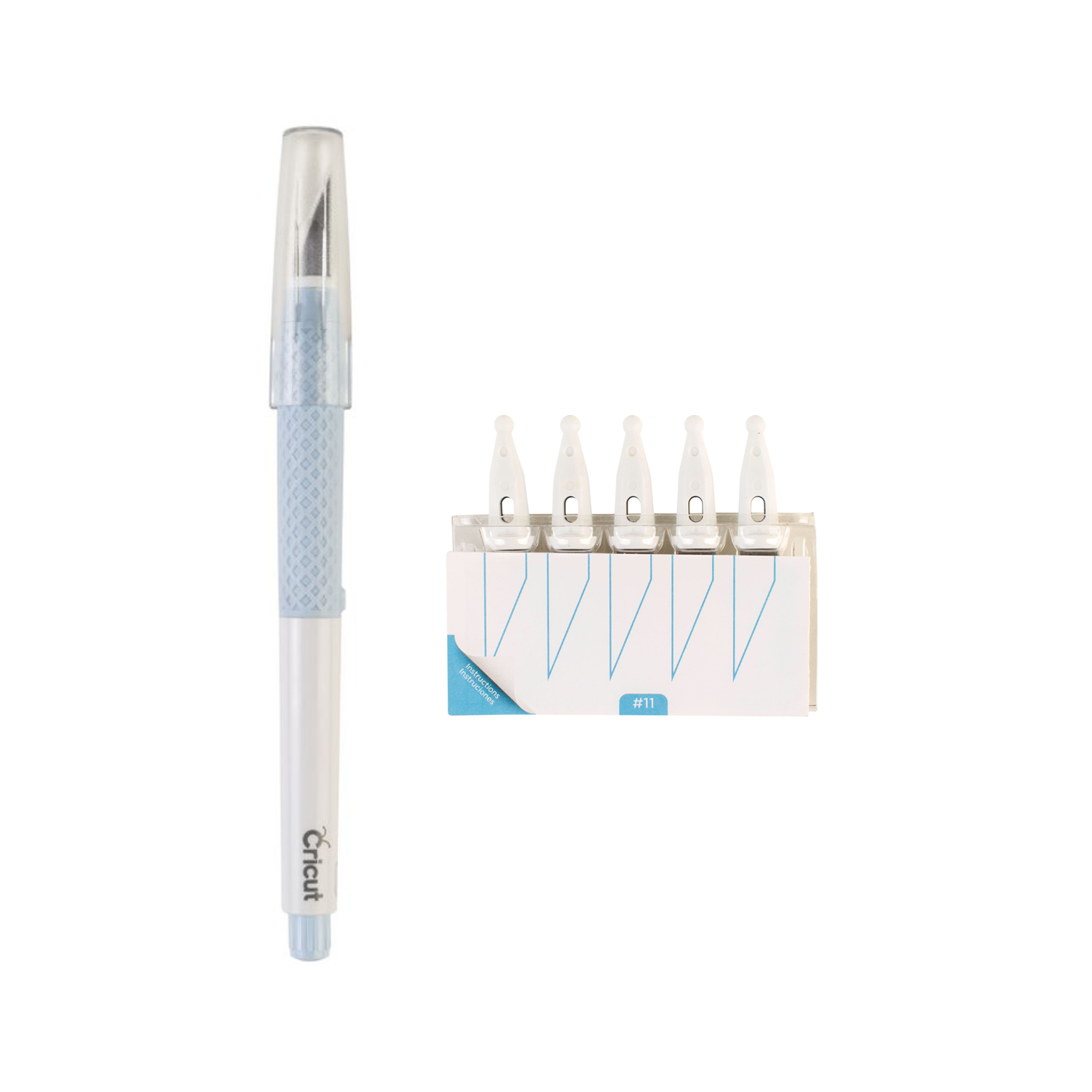
Cricut TrueControl Knife Kit (Blue) with 5x spare blades; Enjoy better control for beautiful results on a wide variety of materials, including paper, cardstock, thin plastics, canvas, fabrics, and more; the Combo pack includes a TrueControl Knife in blue and five additional blades. The blade lock system gives you greater control. No-touch experience makes changing blades easy. Premium steel blades for effortless cuts - Cushioned grip, protective cap, and anti-roll feature; Use the storage cartridge to track and dispose of used blades. You will be all set with this TrueControl Knife Kit, which includes five replacement blades and a convenient storage cartridge to track and dispose of used blades. With its razor-sharp edge, piercing tip, and superior blade-lock system, the Cricut TrueControl Knife delivers better control and beautiful results every time.
_1-01KB2DKVJ27X2RRJ0BE1RRY19V.png)
Cricut TrueControl Knife Replacement Blades (x5); Handle sold separately. For TrueControl Knife only (sold separately); No-touch experience makes changing blades easy. Premium steel blades for effortless cuts With razor-sharp edges and piercing tips, these five replacement blades are designed for the Cricut TrueControl Knife and cut through a wide variety of materials, including paper, cardstock, thin plastics, canvas, and more. A useful storage cartridge makes it easy and safe to track and dispose of used blades. For use with Cricut TrueControl Knife only (sold separately).
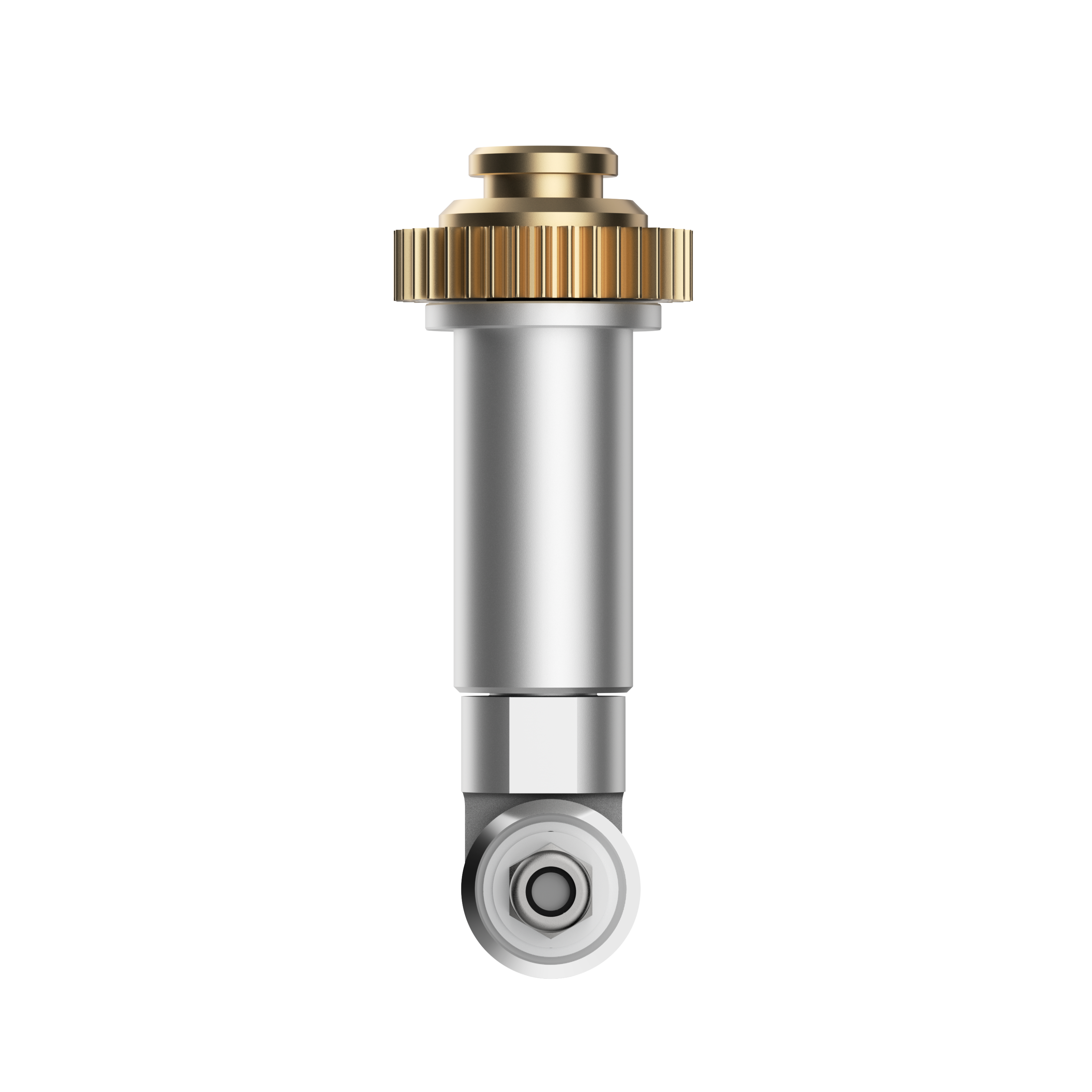
Rotary Blade replacement with Housing. Premium stainless steel blade cuts fabric and delicate materials ? no backing required. For Cricut Maker? only Make quilts, purses, bags, accessories, home decor, stuffed animals, and more. Perfect for delicate papers and unbacked fabric, including lace, felt, quilt batting, silk, denim, crepe, tissue paper, mulberry, and more Choose from hundreds of sewing patterns in the Cricut Library Quickly and easily cut beautiful designs for sewing projects. Rotary Blade handles everything from silk, cotton, and denim to canvas and burlap ? no backing necessary. You can also cut highly delicate materials like crepe and tissue paper. Choose from hundreds of sewing patterns in the Cricut Library, then use your Cricut Maker to mark and cut your pieces. Cut pieces to create quilts, bags, accessories, home decor, stuffed animals, and much more. Recommended: FabricGrip Mat and Washable Fabric Pen. Please note that the Rotary Blade is only for use with the Cricut Maker - it cannot be used with the Explore, Explore One, Explore Air, Explore Air 2, or any older machines.